The Edtomorrow Guide · 2026-27

Every tool we make,
in one place.

Start with the quick list below. Open any tool straight from this page, or download the guide for the staff room.

Tools at a Glance · 2 pages
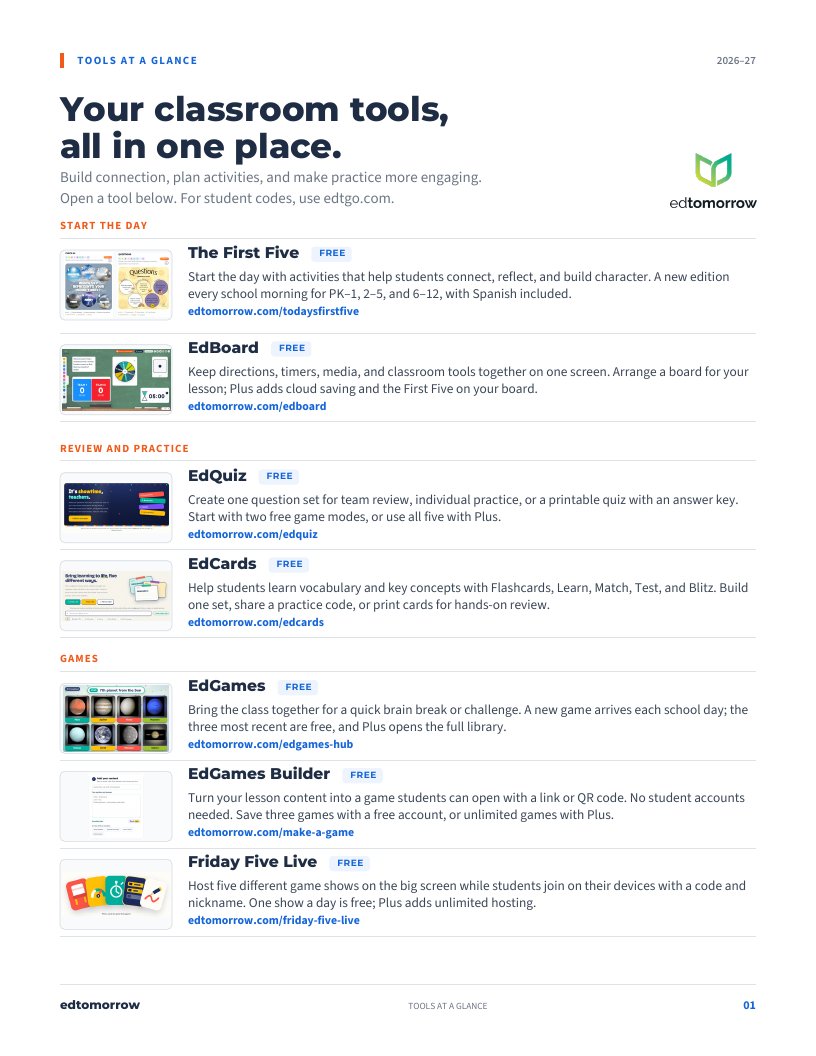
Tools at a Glance

Pick a tool. Open it. Teach.

Teachers work at edtomorrow.com. Students join at edtgo.com, no accounts.

Start the day

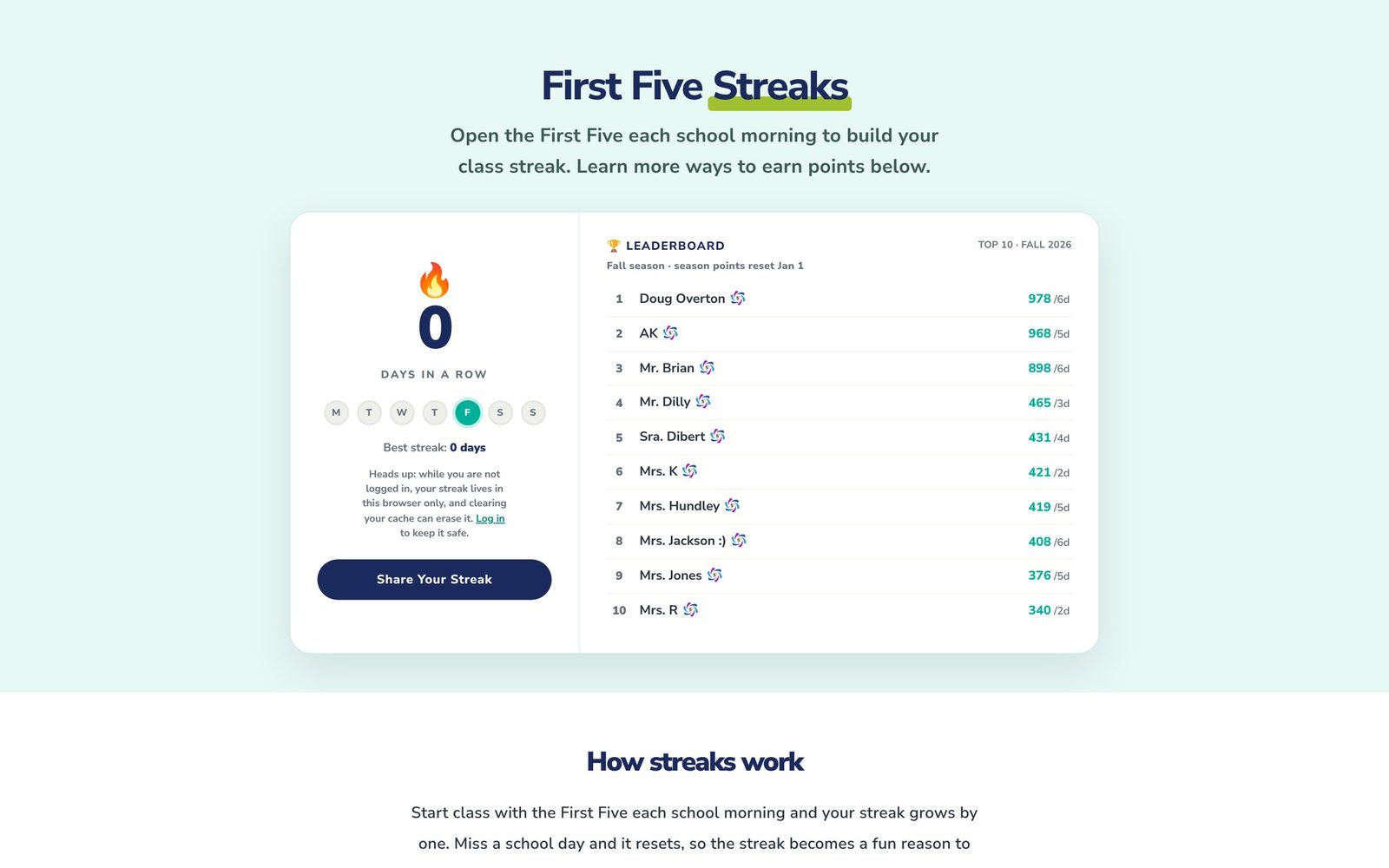
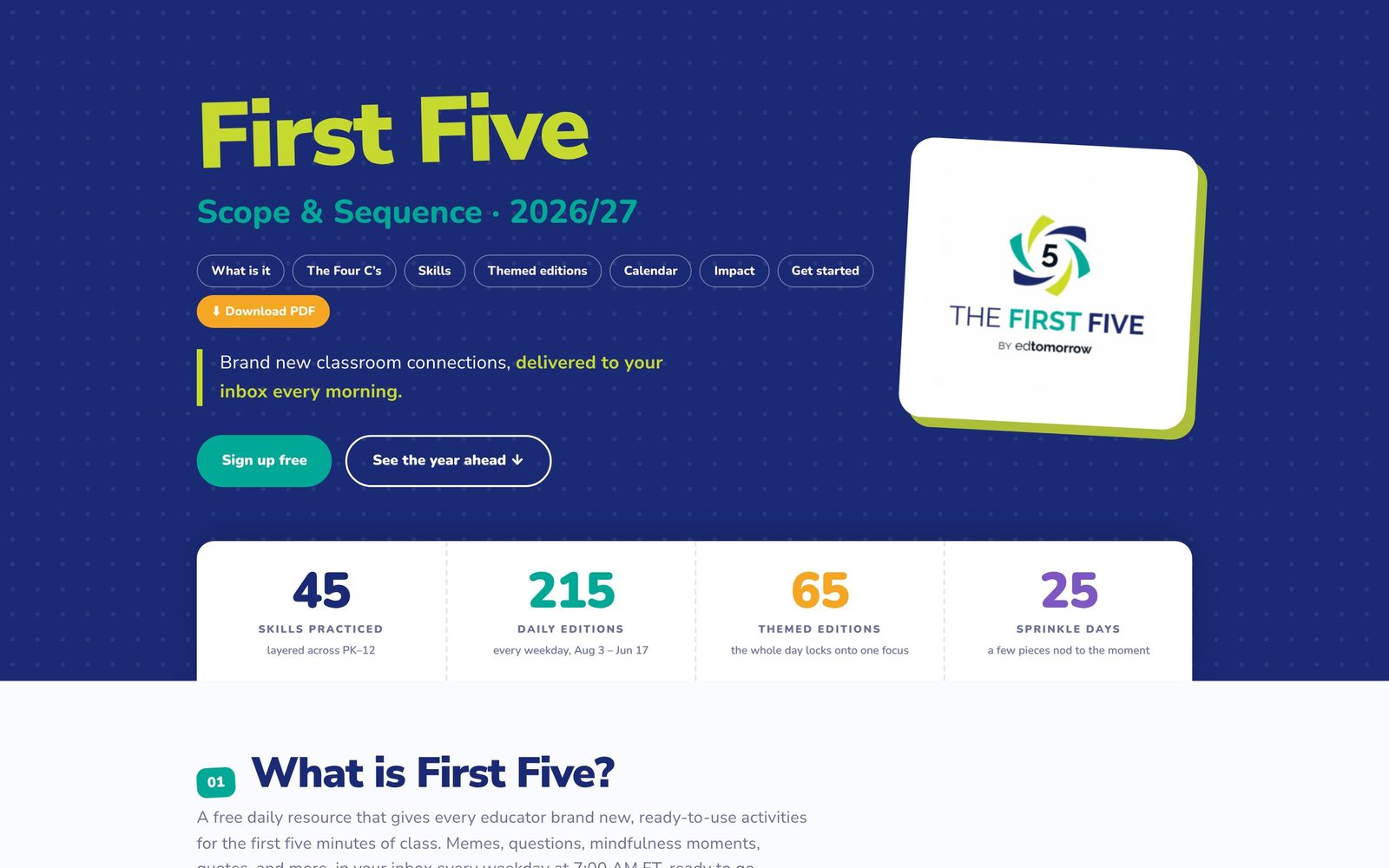
The First Five Free

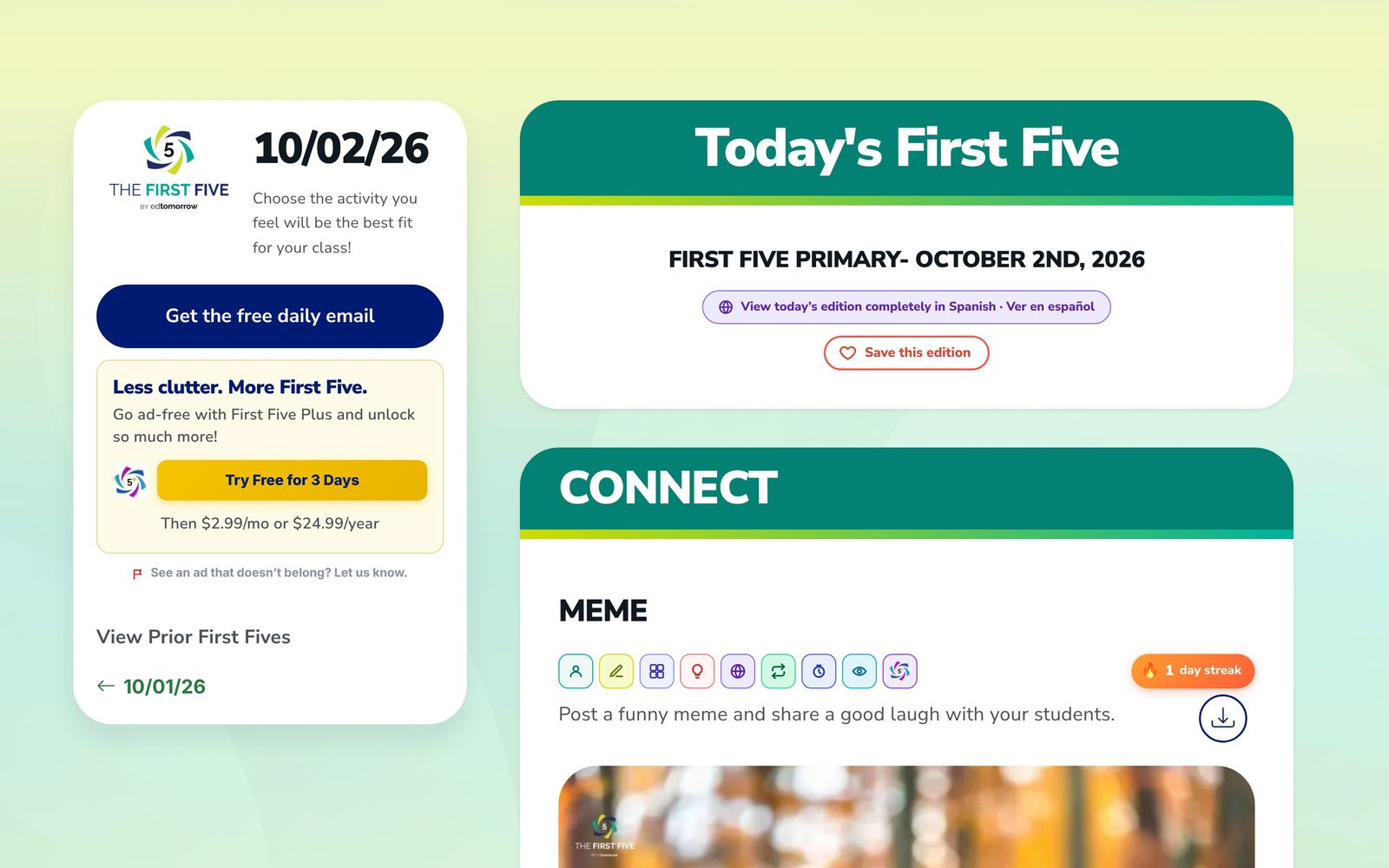
Start the day with activities that help students connect, reflect, and build character. A new edition every school morning for PK–1, 2–5, and 6–12, with Spanish included.

edtomorrow.com/todaysfirstfive/

EdBoard Free

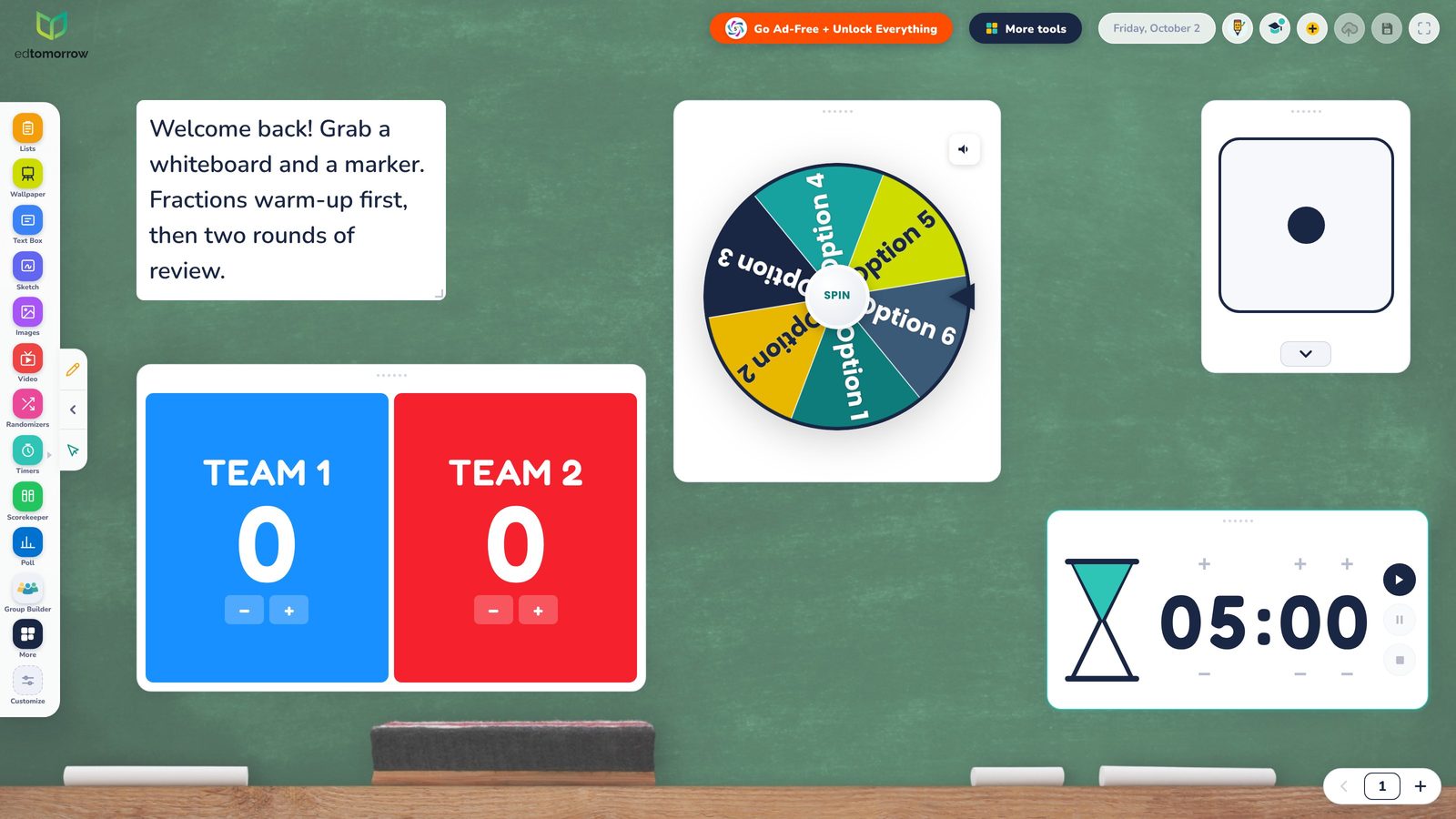
Keep directions, timers, media, and classroom tools together on one screen. Arrange a board for your lesson; Plus adds cloud saving and the First Five on your board.

edtomorrow.com/edboard/
Review and practice

EdQuiz Free

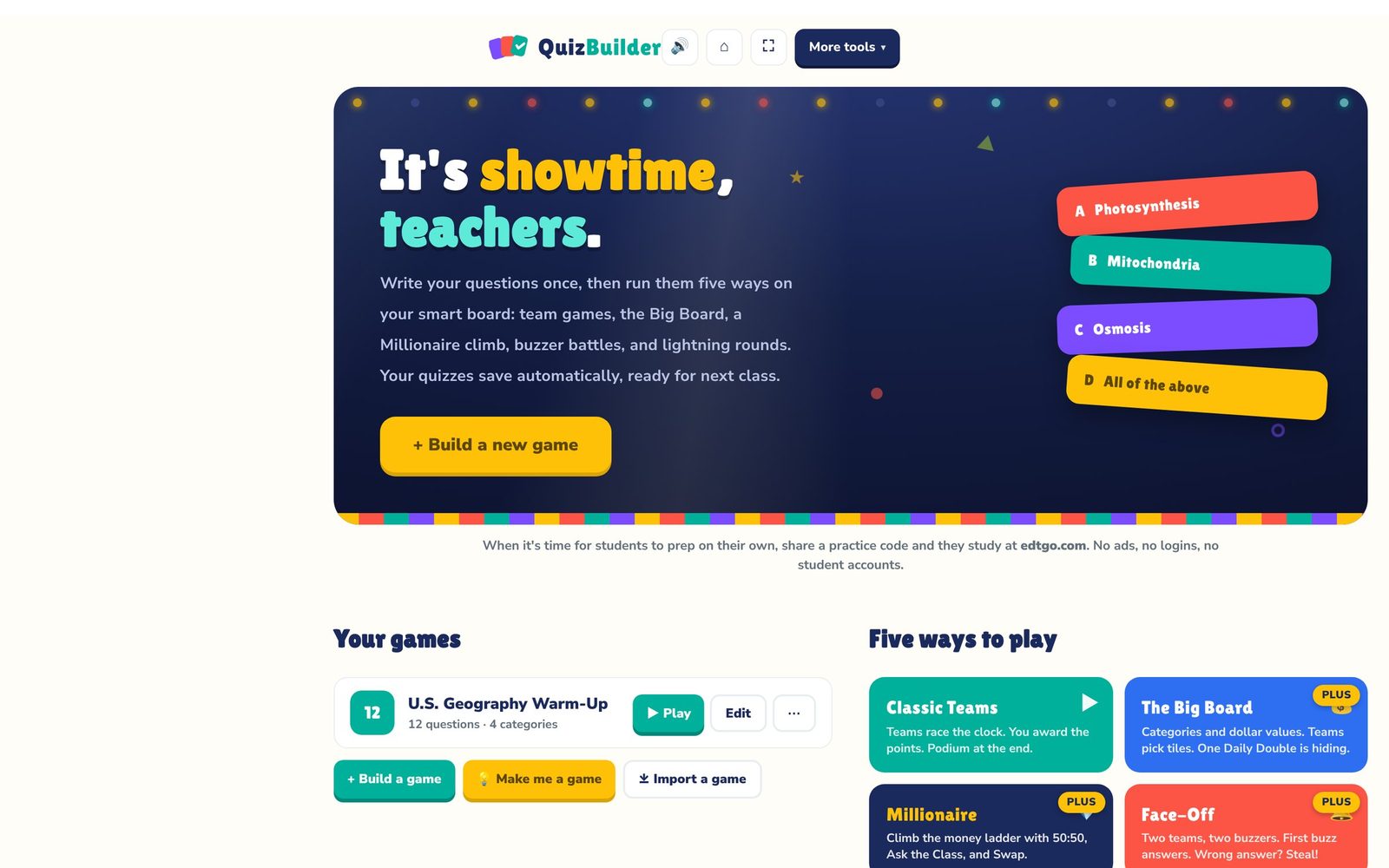
Create one question set for team review, individual practice, or a printable quiz with an answer key. Start with two free game modes, or use all five with Plus.

edtomorrow.com/edquiz/

EdCards Free

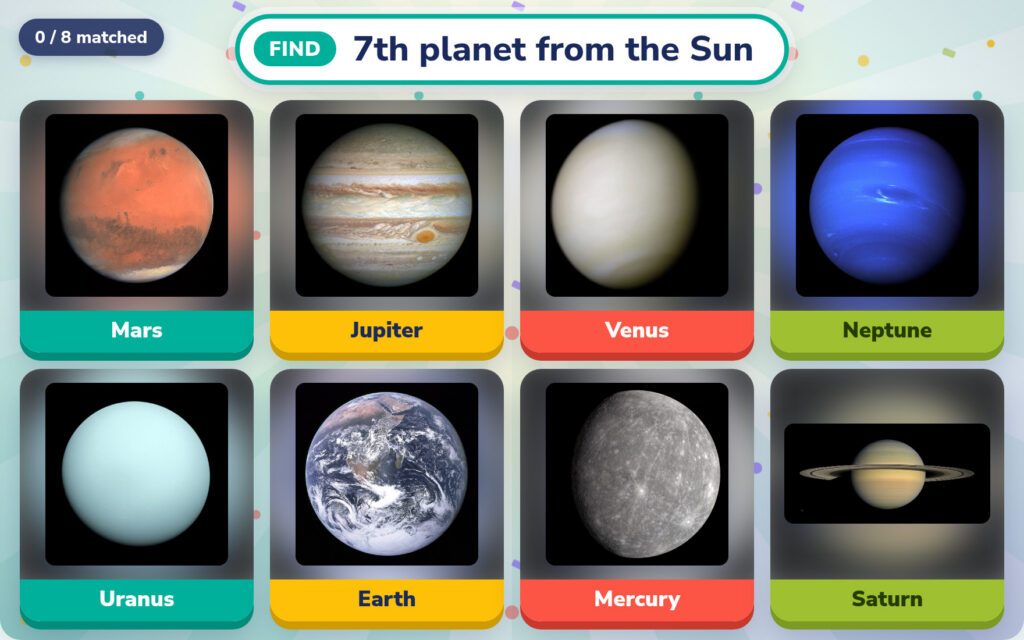
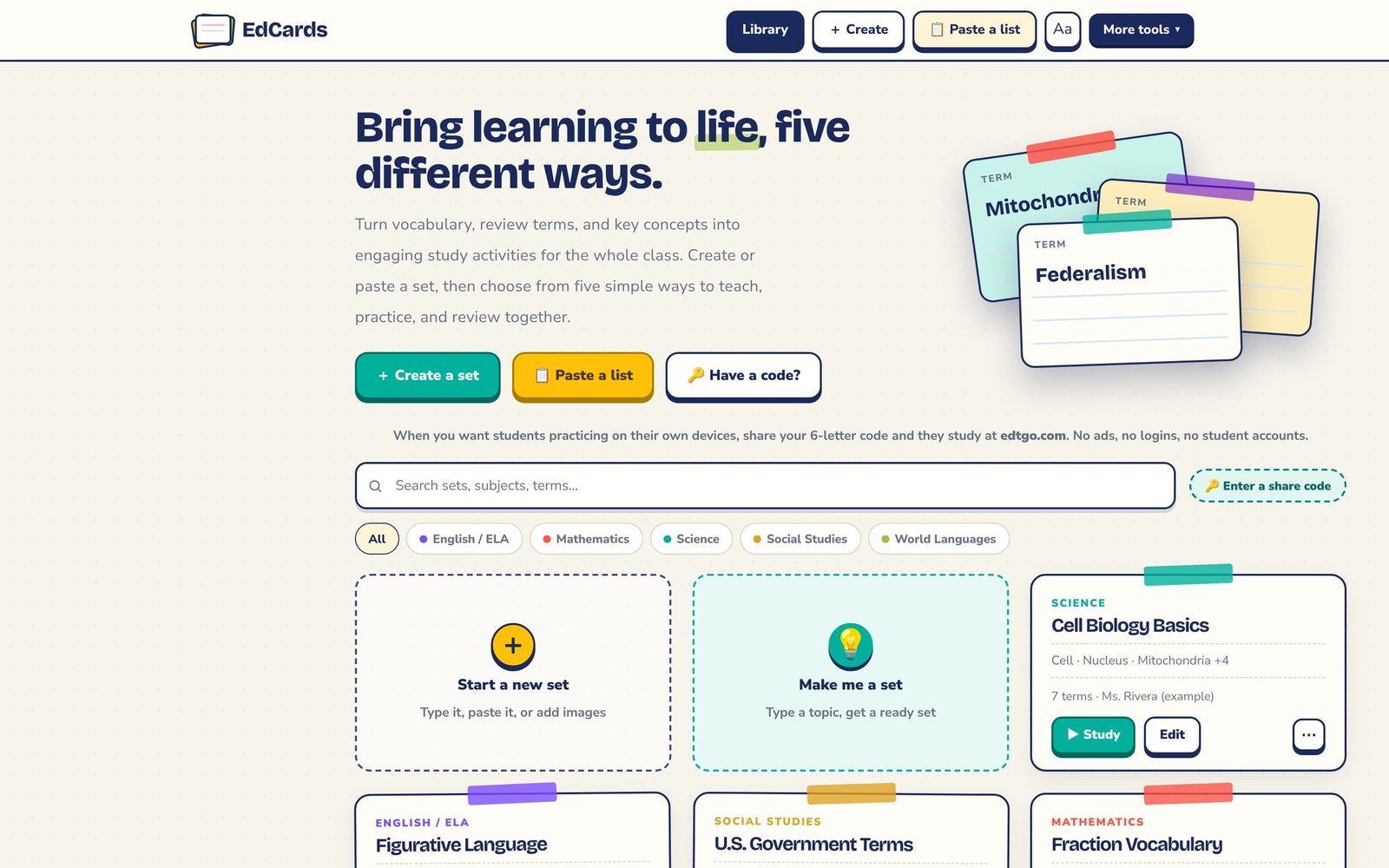
Help students learn vocabulary and key concepts with Flashcards, Learn, Match, Test, and Blitz. Build one set, share a practice code, or print cards for hands-on review.

edtomorrow.com/edcards/
Make learning a game

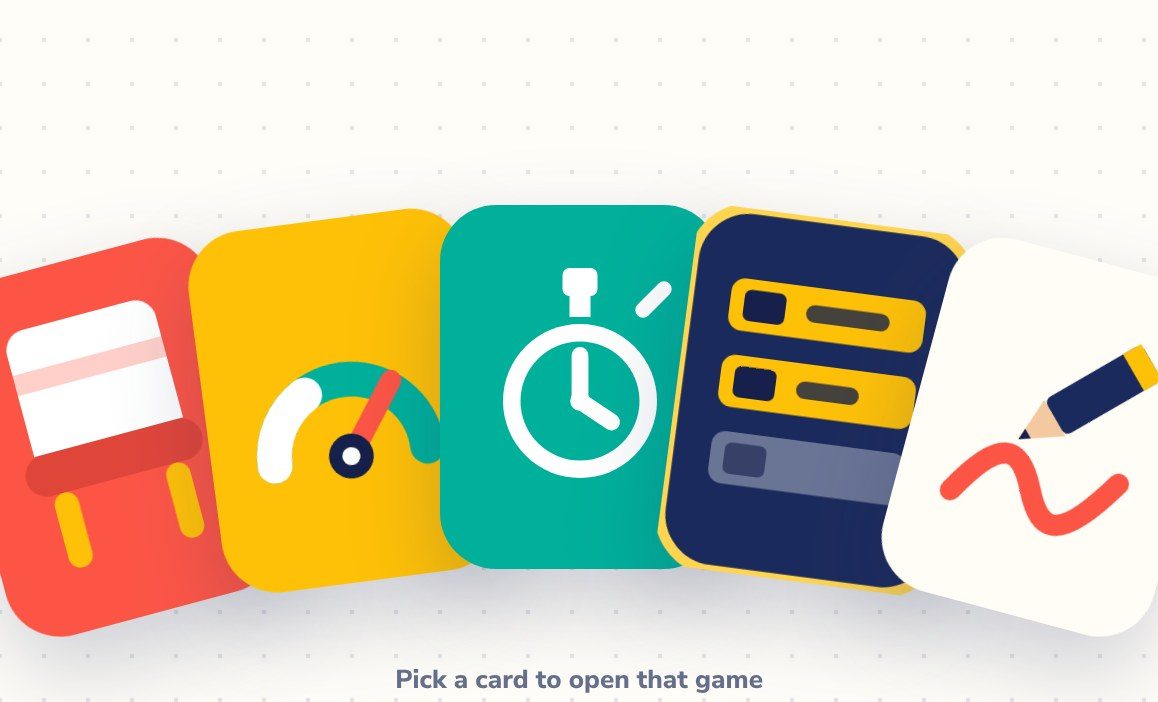
EdGames Free

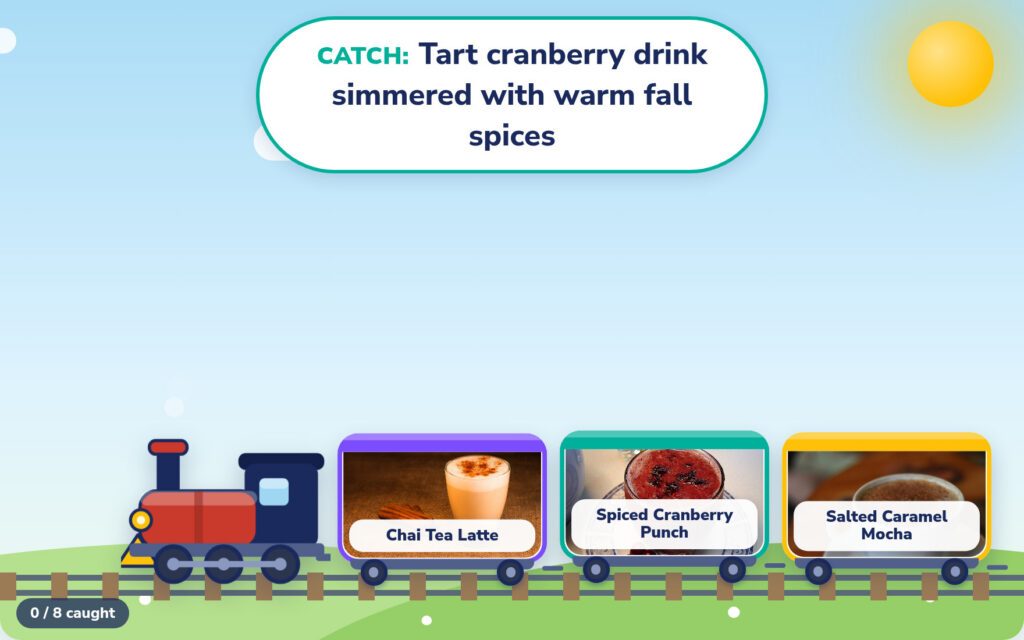
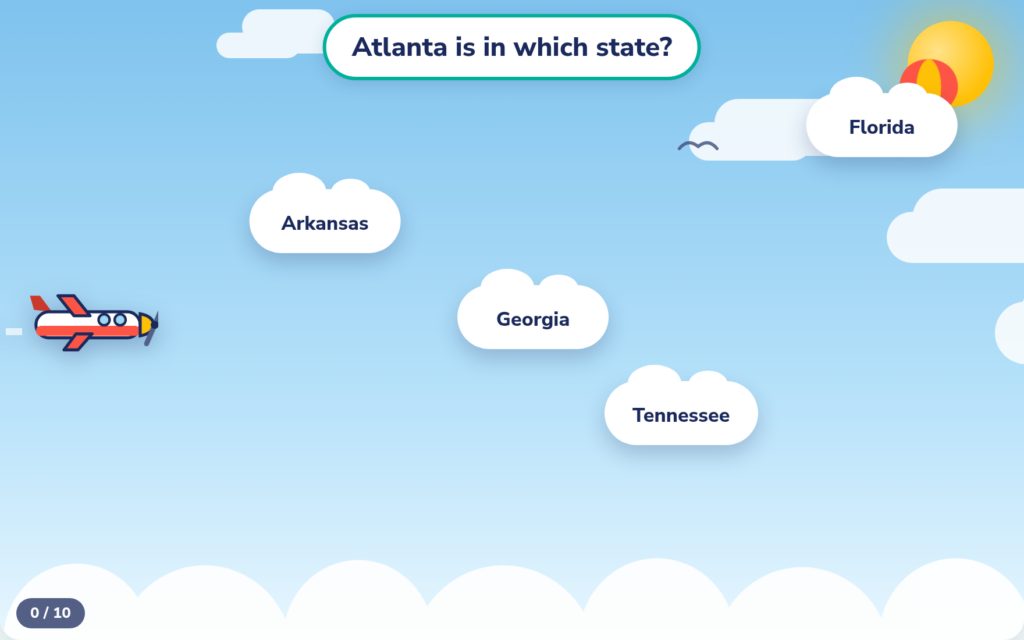
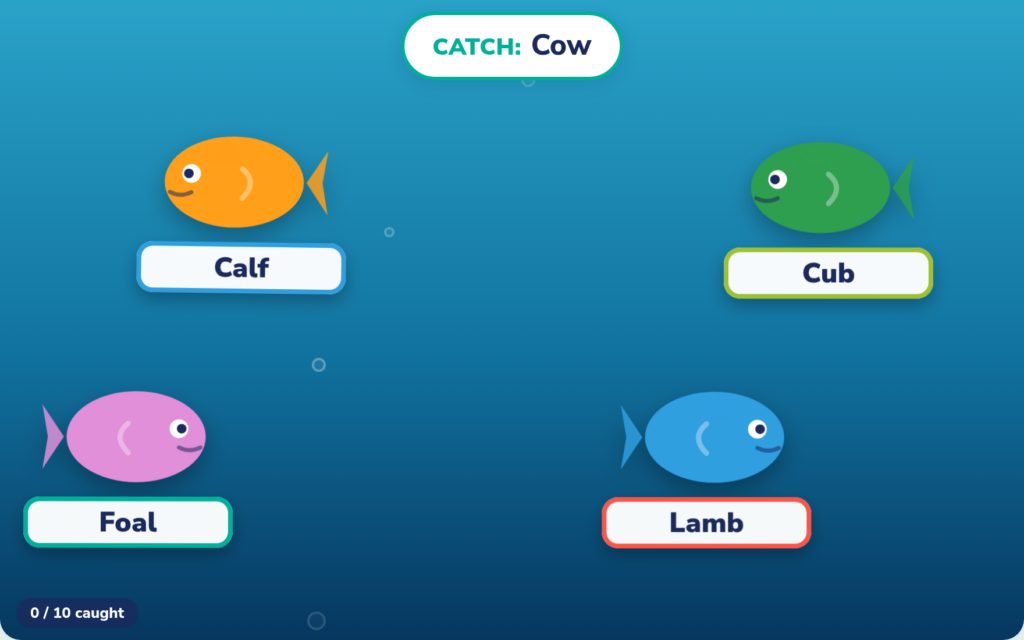
Bring the class together for a quick brain break or challenge. A new game arrives each school day; the three most recent are free, and Plus opens the full library.

edtomorrow.com/edgames-hub/

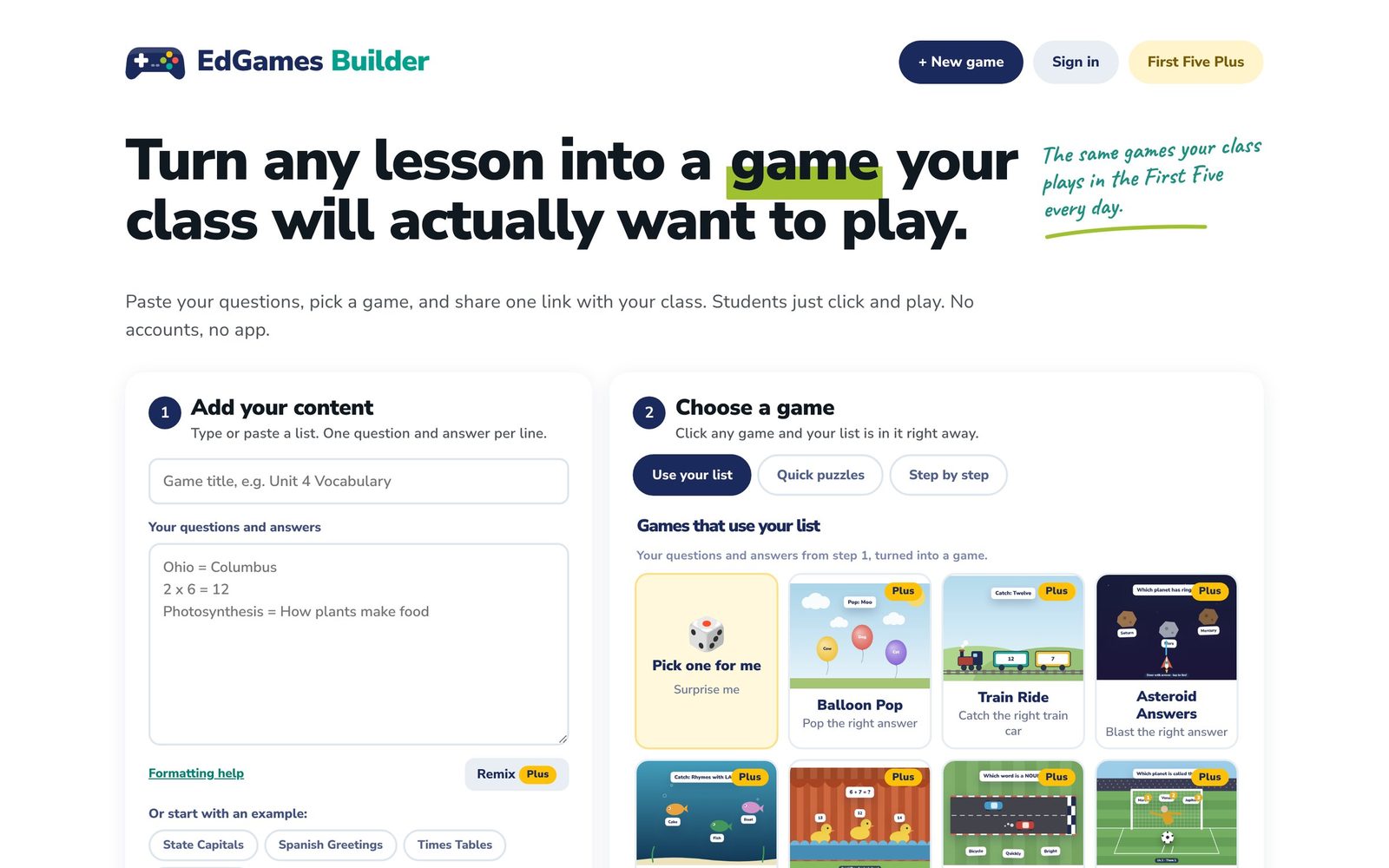
EdGames Builder Free

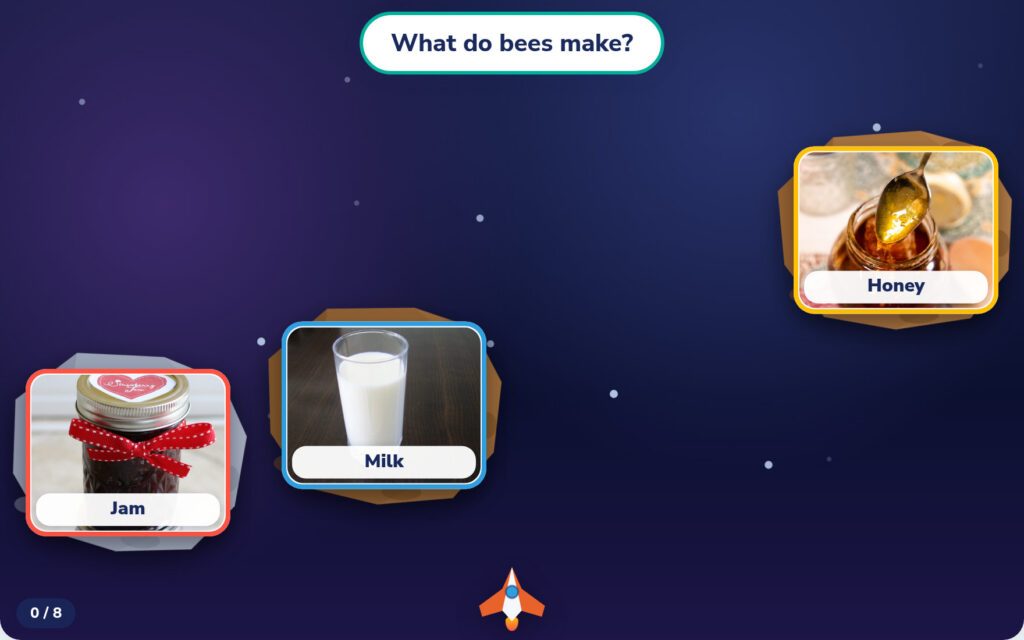
Turn your lesson content into a game students can open with a link or QR code. No student accounts needed. Save three games with a free account, or unlimited games with Plus.

edtomorrow.com/make-a-game/
Create, print, and organize

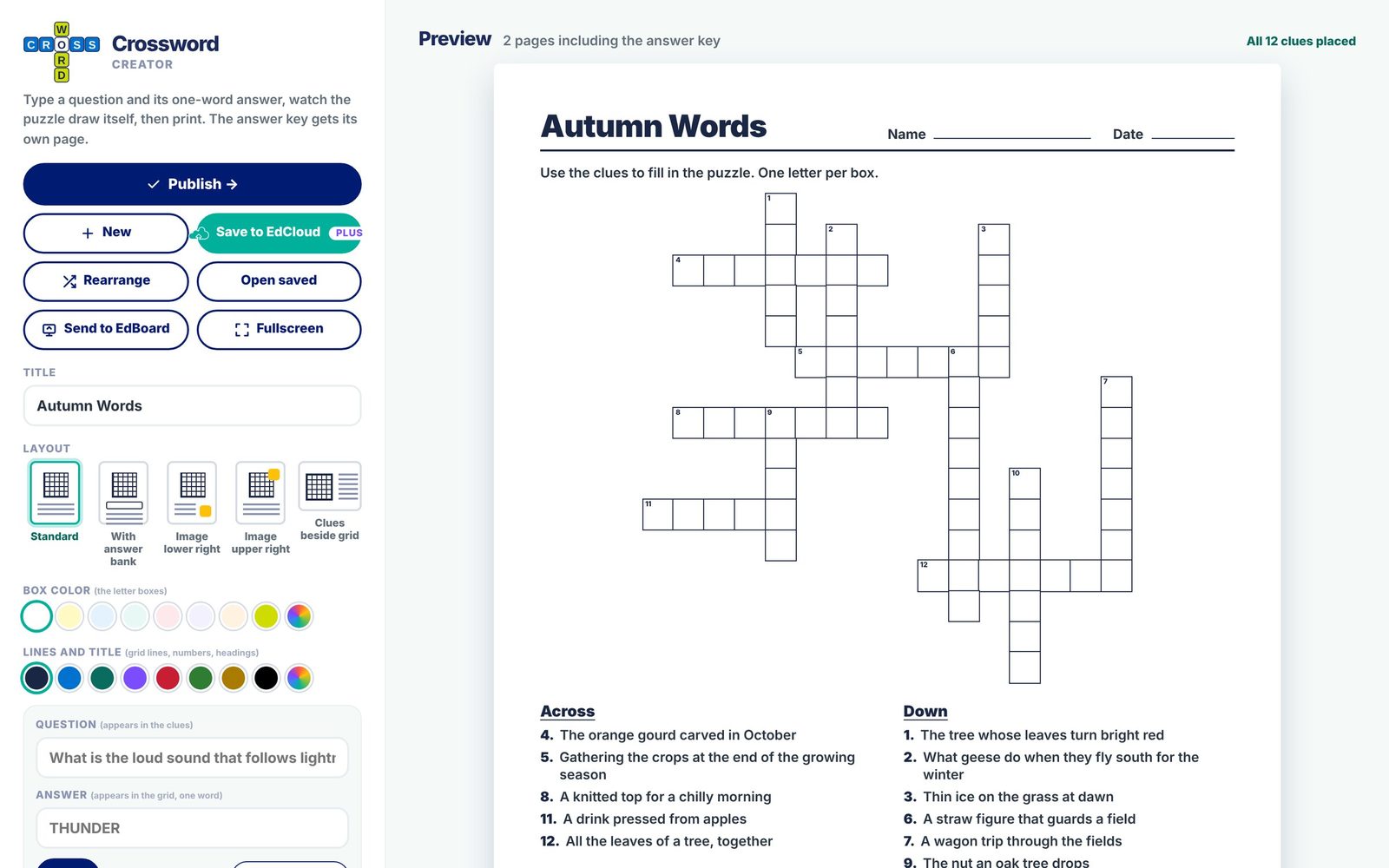
Crossword Creator Free

Turn lesson vocabulary into a crossword with clues, answers, and a printable answer key. Build from scratch or import an EdCards set, then print or solve on the board.

edtomorrow.com/crossword/

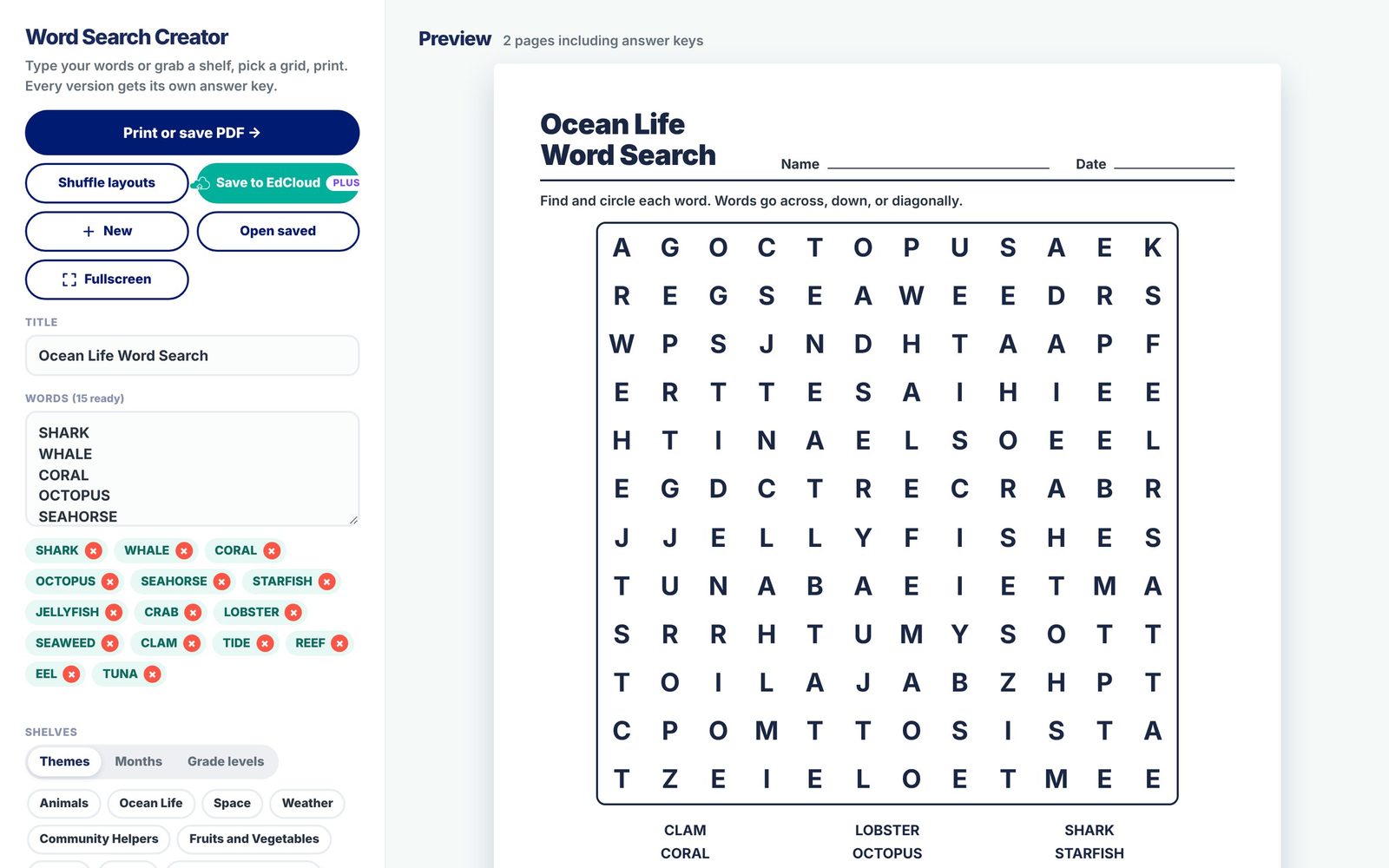
Word Search Creator Free

Make a printable word search from any word list. Choose a difficulty level and generate up to five layouts, each with an answer key.

edtomorrow.com/word-search/

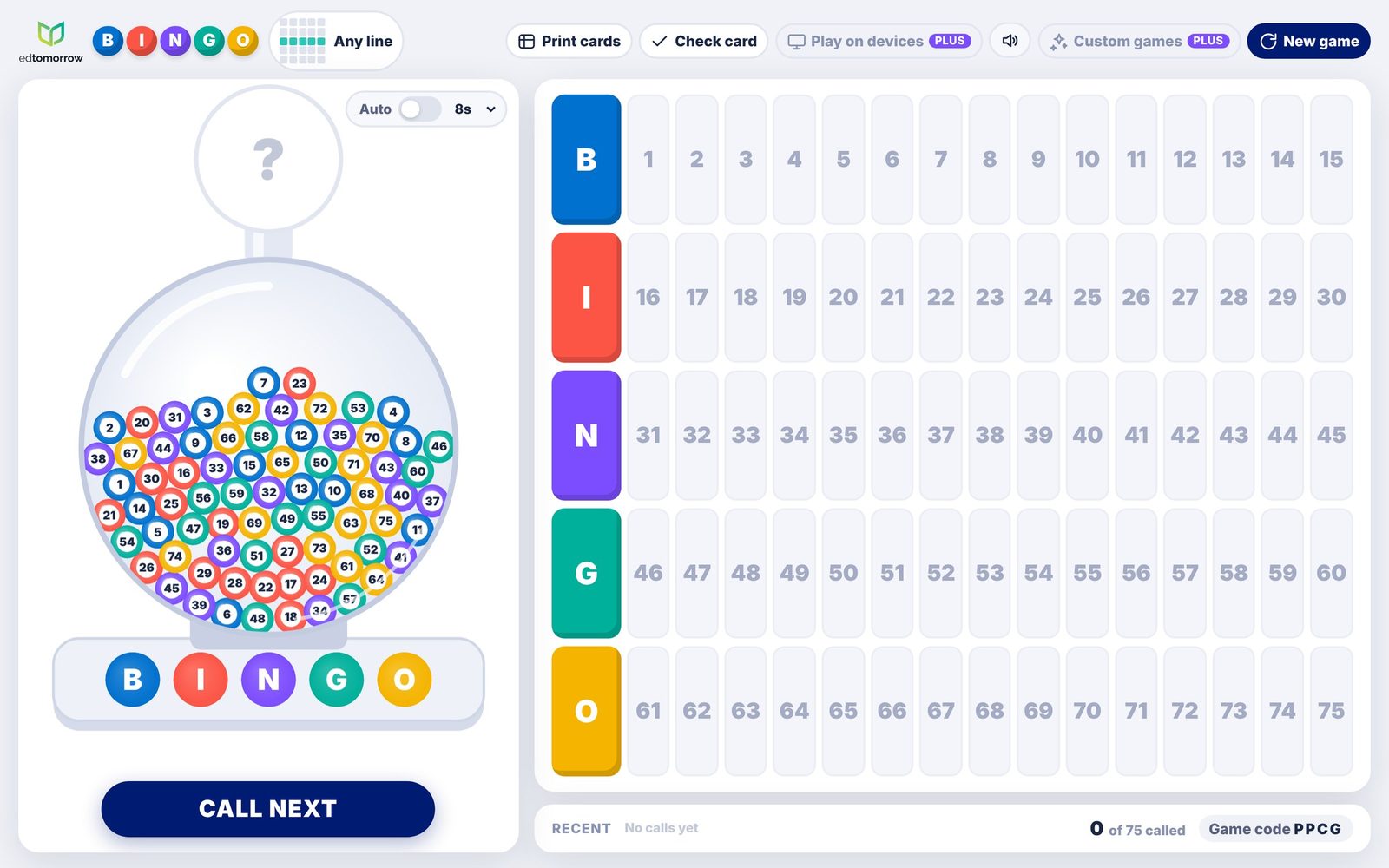
Bingo Free

Run number Bingo on your classroom screen and print cards for students. Plus adds custom word games and play on student devices.

edtomorrow.com/bingo/

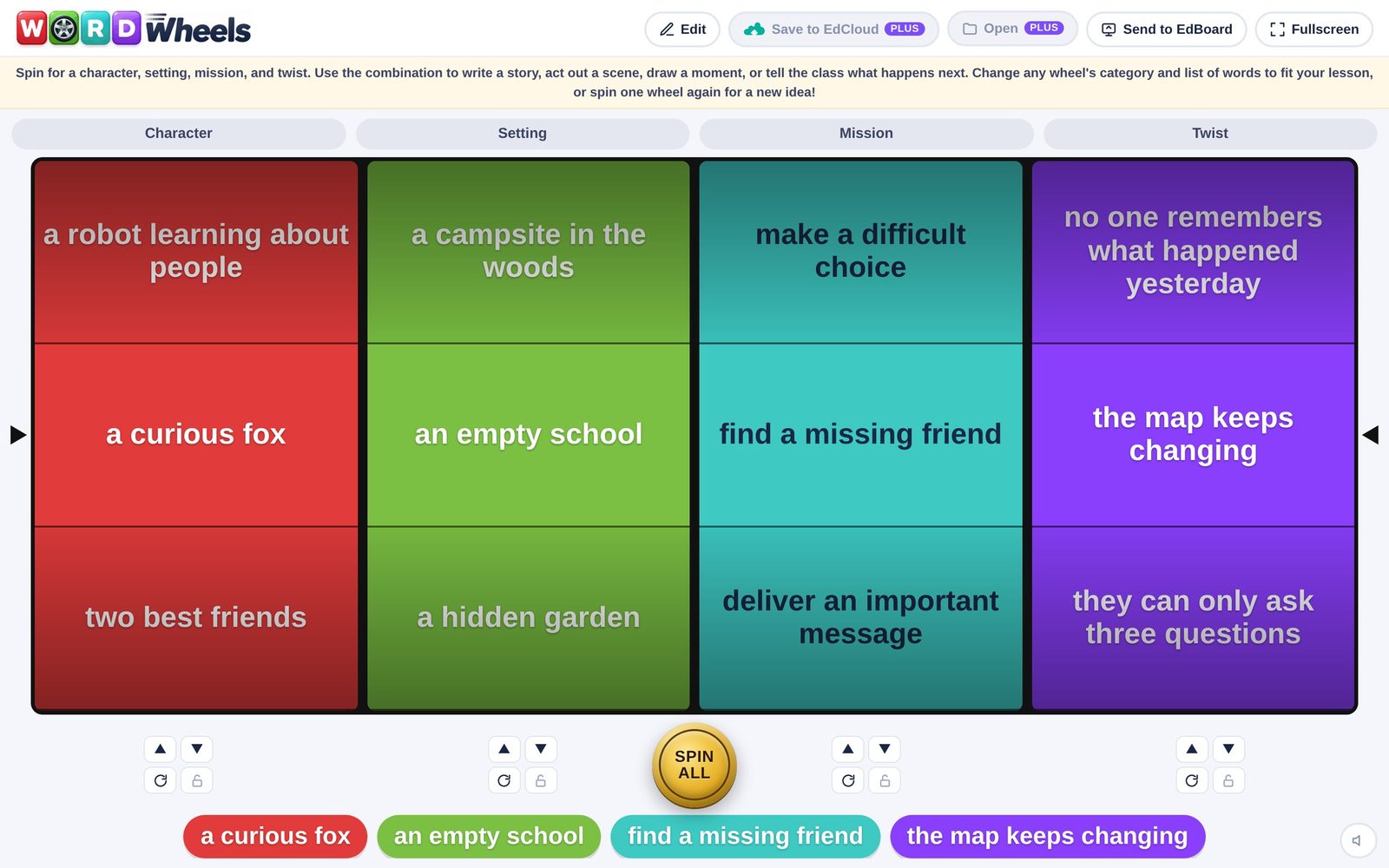
Word Wheels Free

Give students a starting point for a story, scene, or drawing. Spin for a character, setting, mission, and twist, or customize the categories and words for your lesson.

edtomorrow.com/word-wheels/

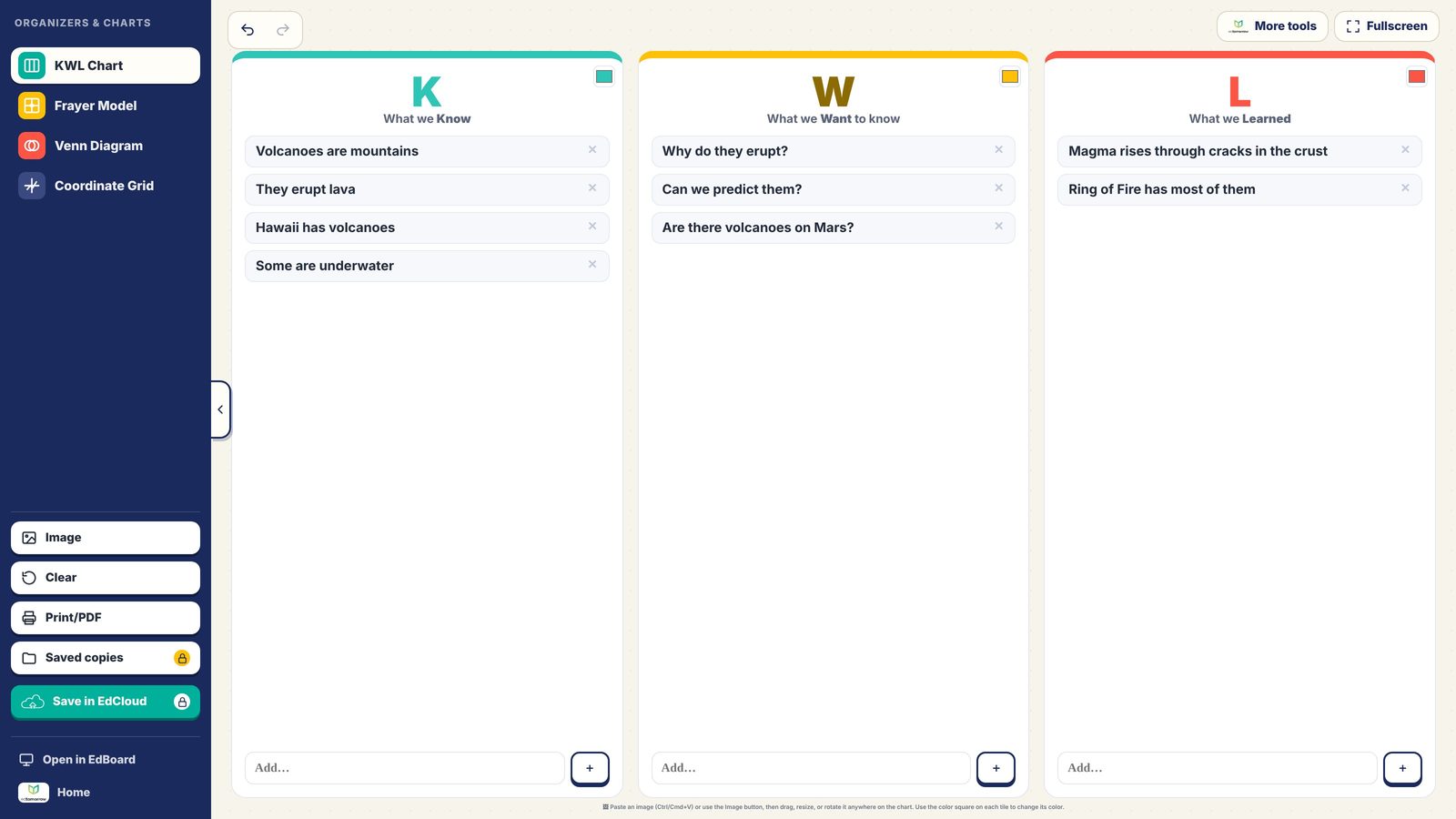
Organizers & Charts Free

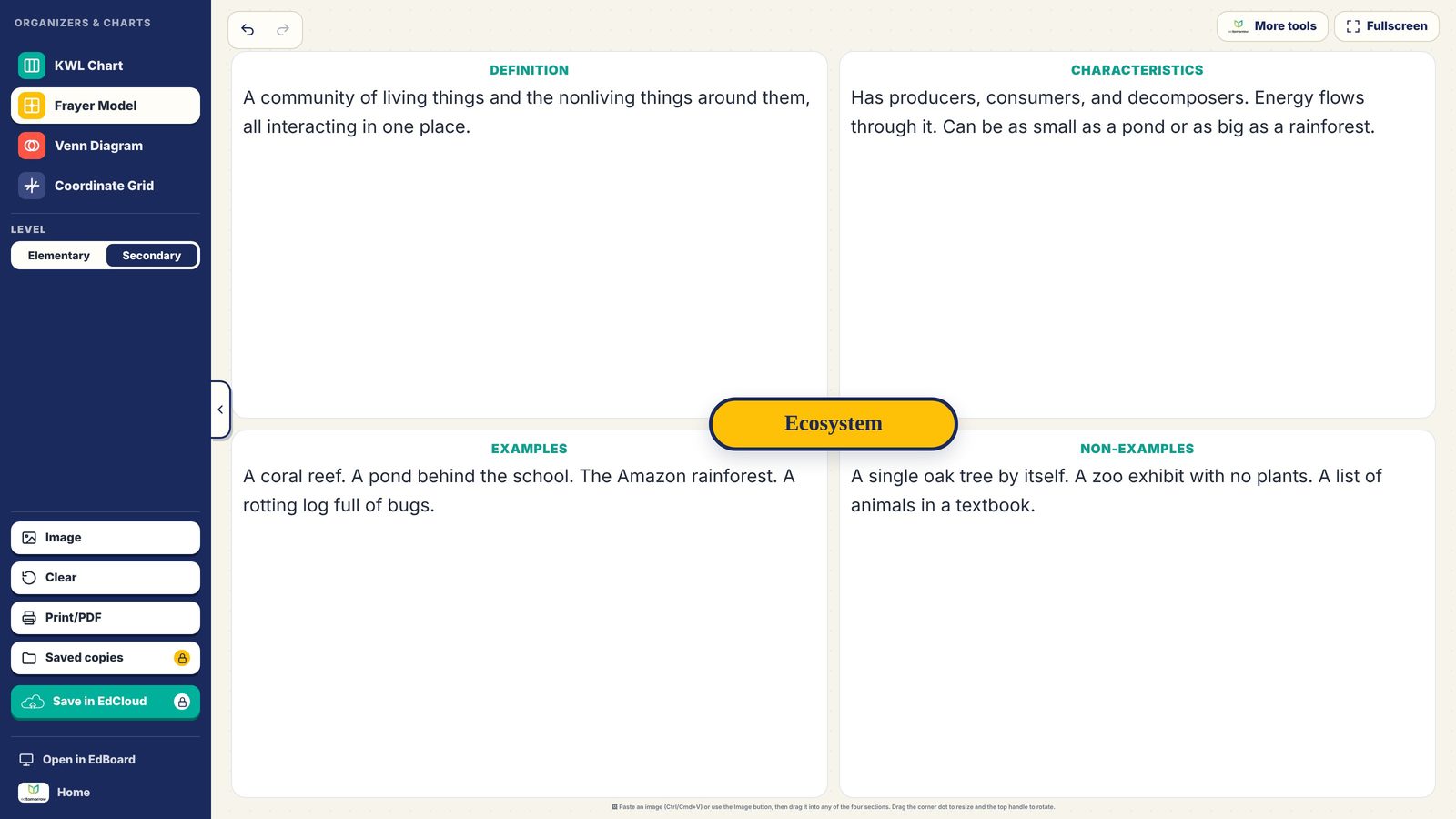
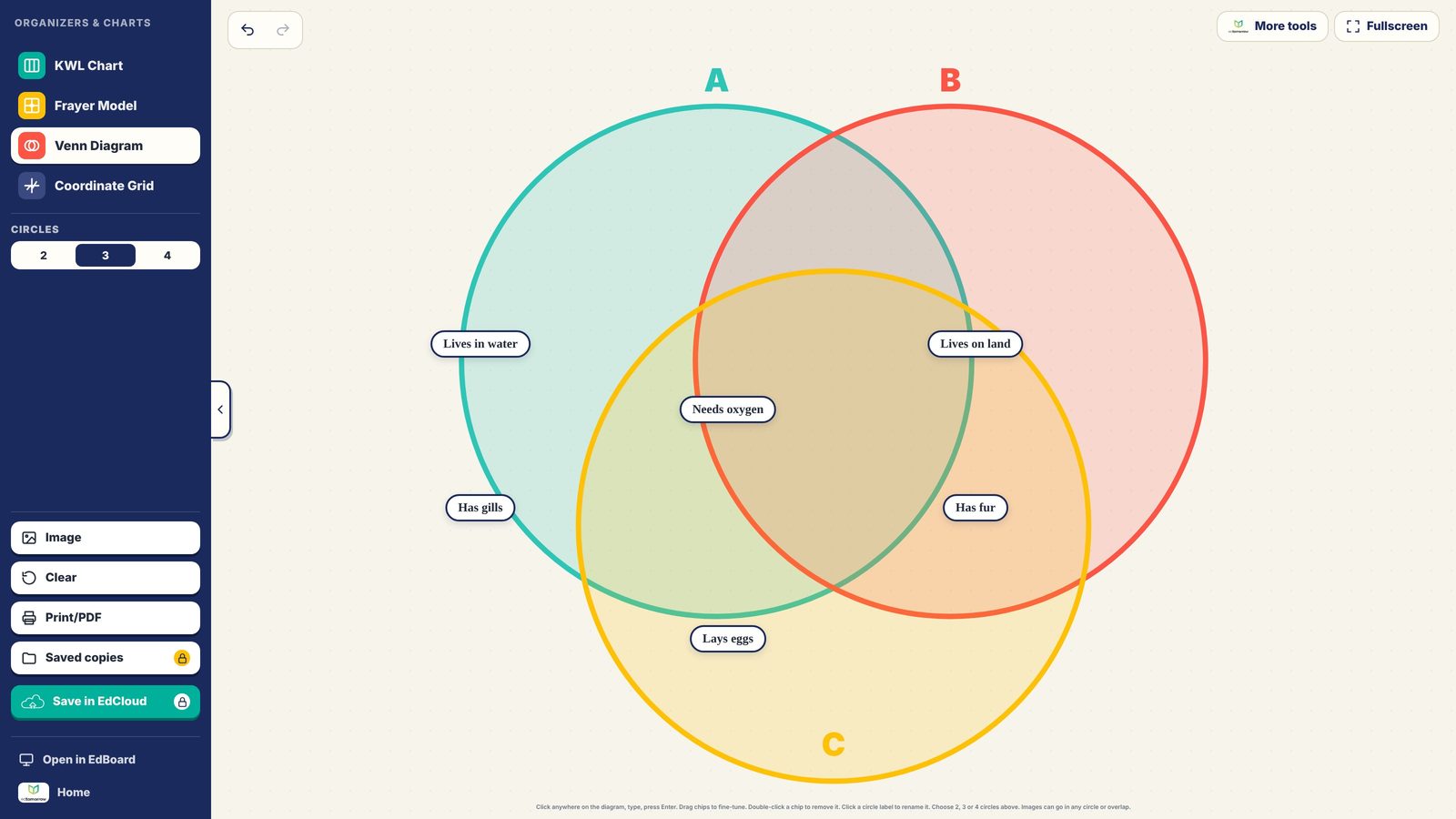
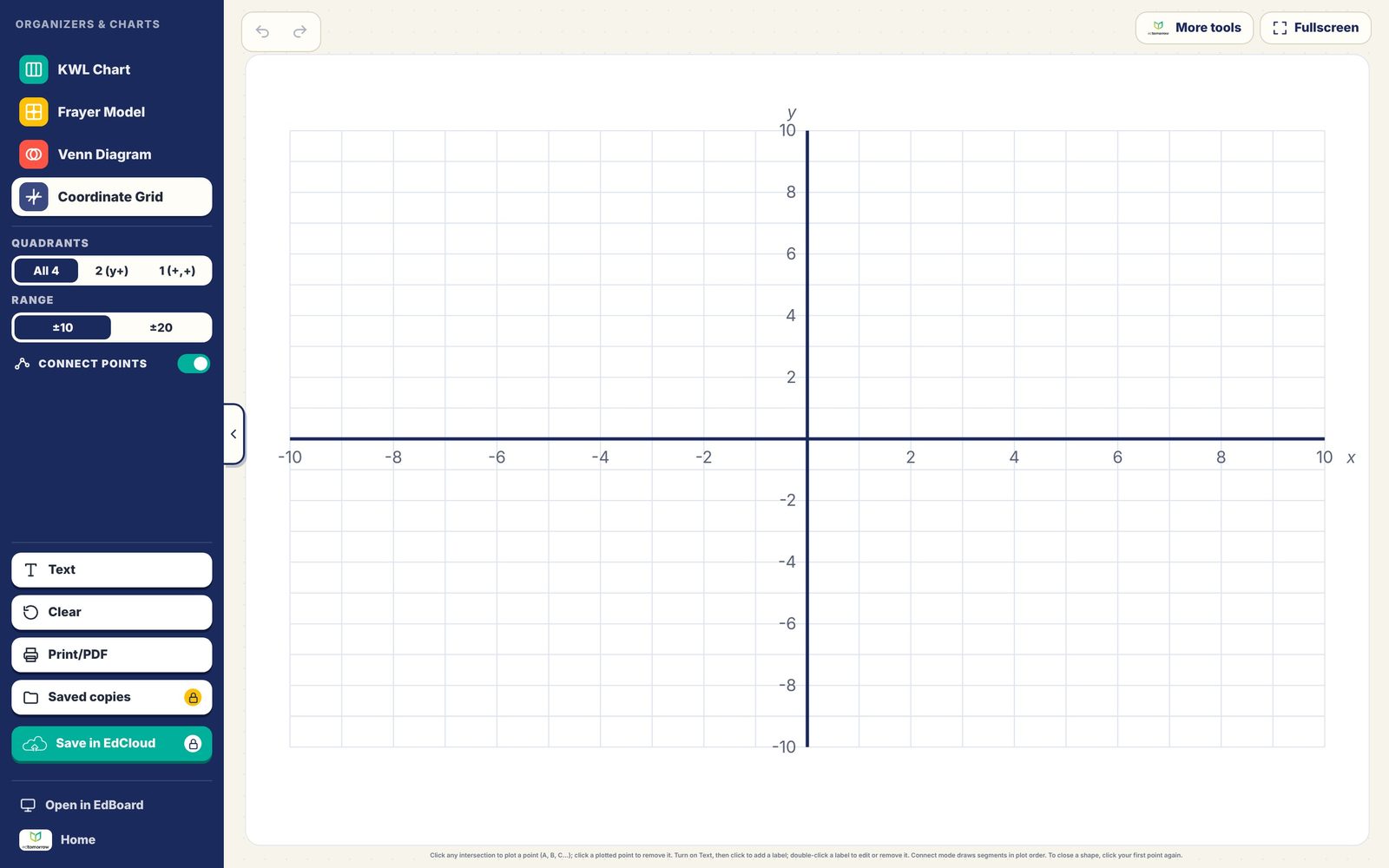
Make student thinking visible with a KWL Chart, Frayer Model, Venn Diagram, or Coordinate Grid. Work together on the board, then print a copy to keep.

edtomorrow.com/graphic-organizers/
Bring everyone into the game

Friday Five Live Free

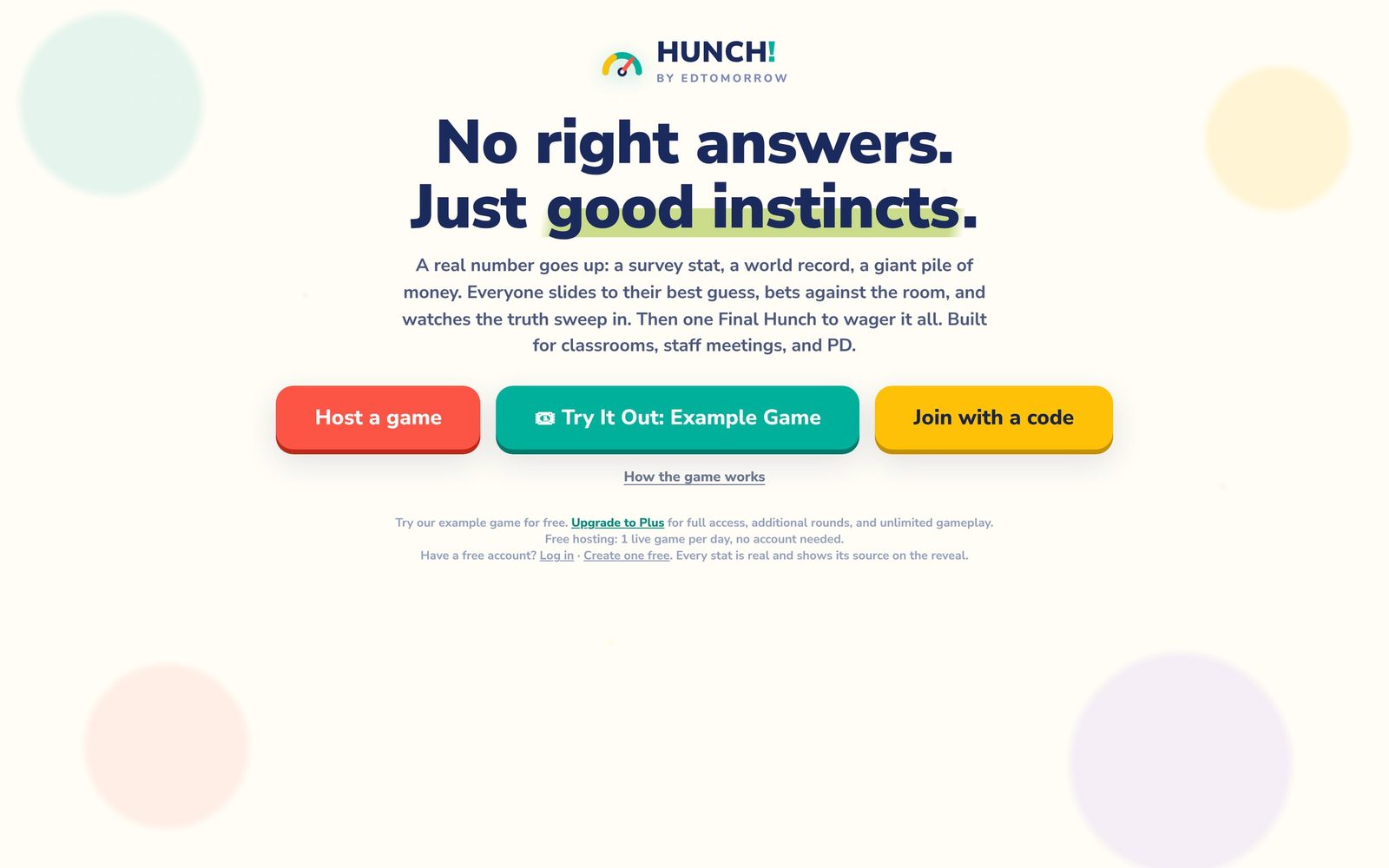
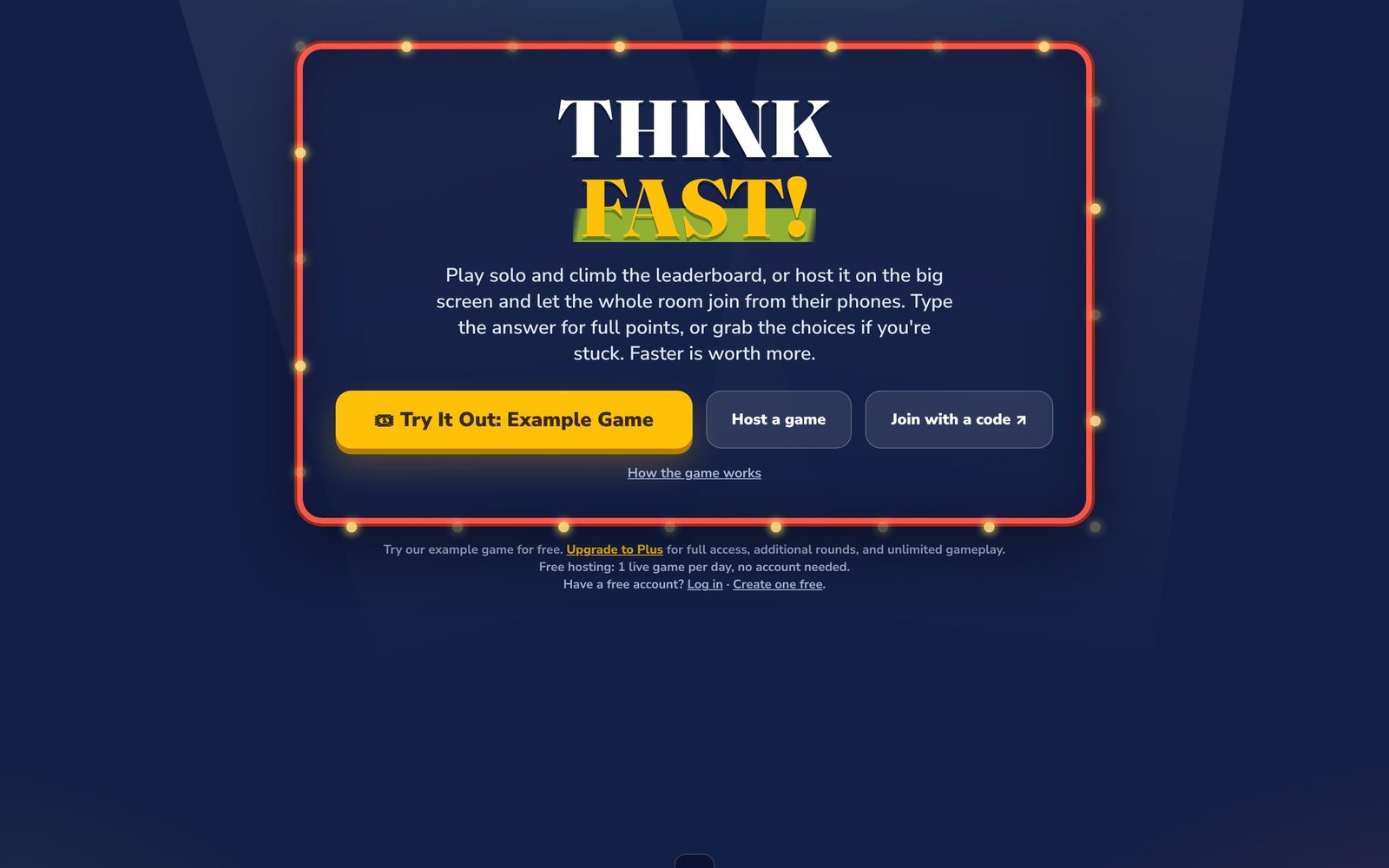
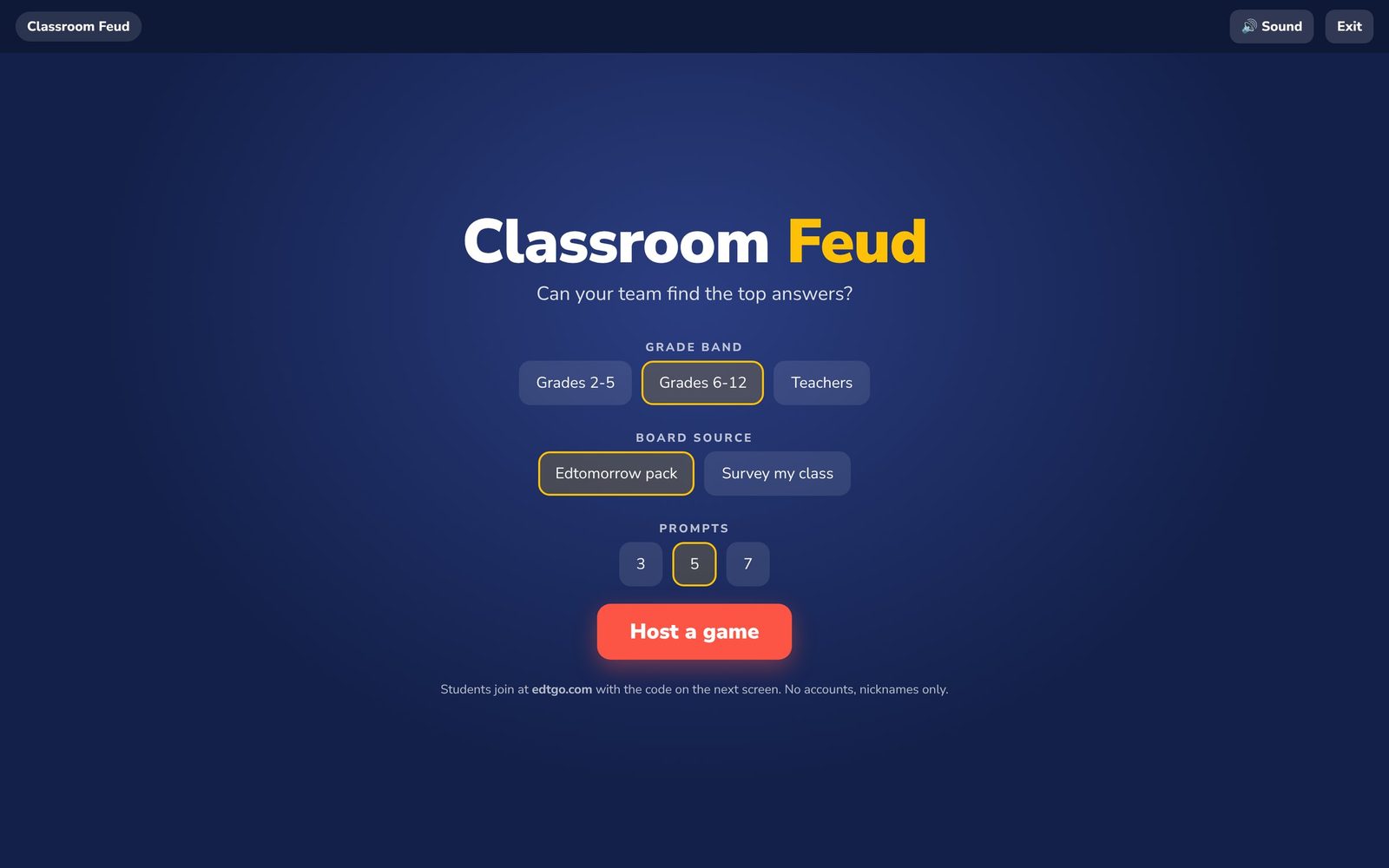
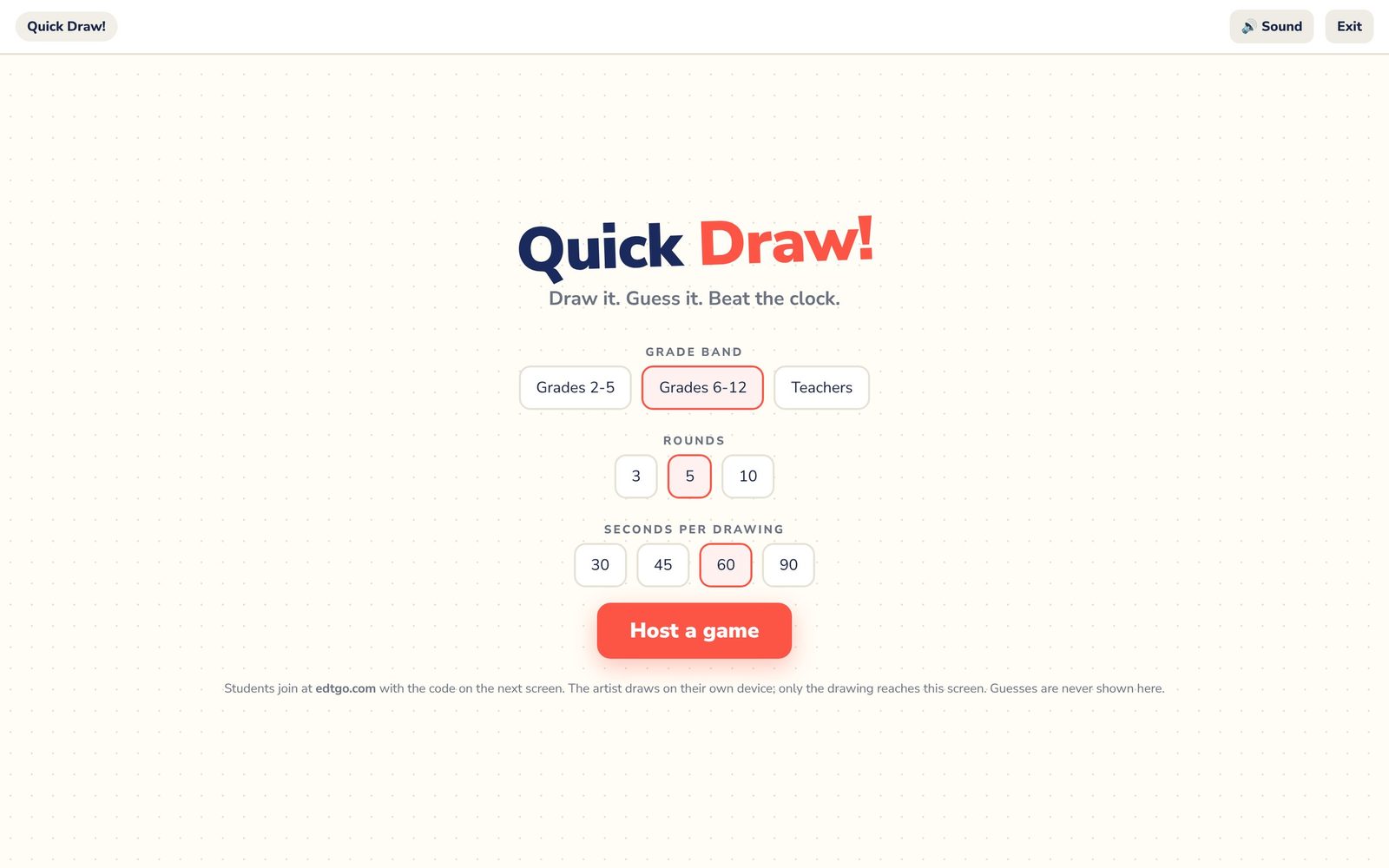
Host five different game shows on the big screen while students join on their devices with a code and nickname. One show a day is free; Plus adds unlimited hosting.

edtomorrow.com/friday-five-live/
Find, save, and come back

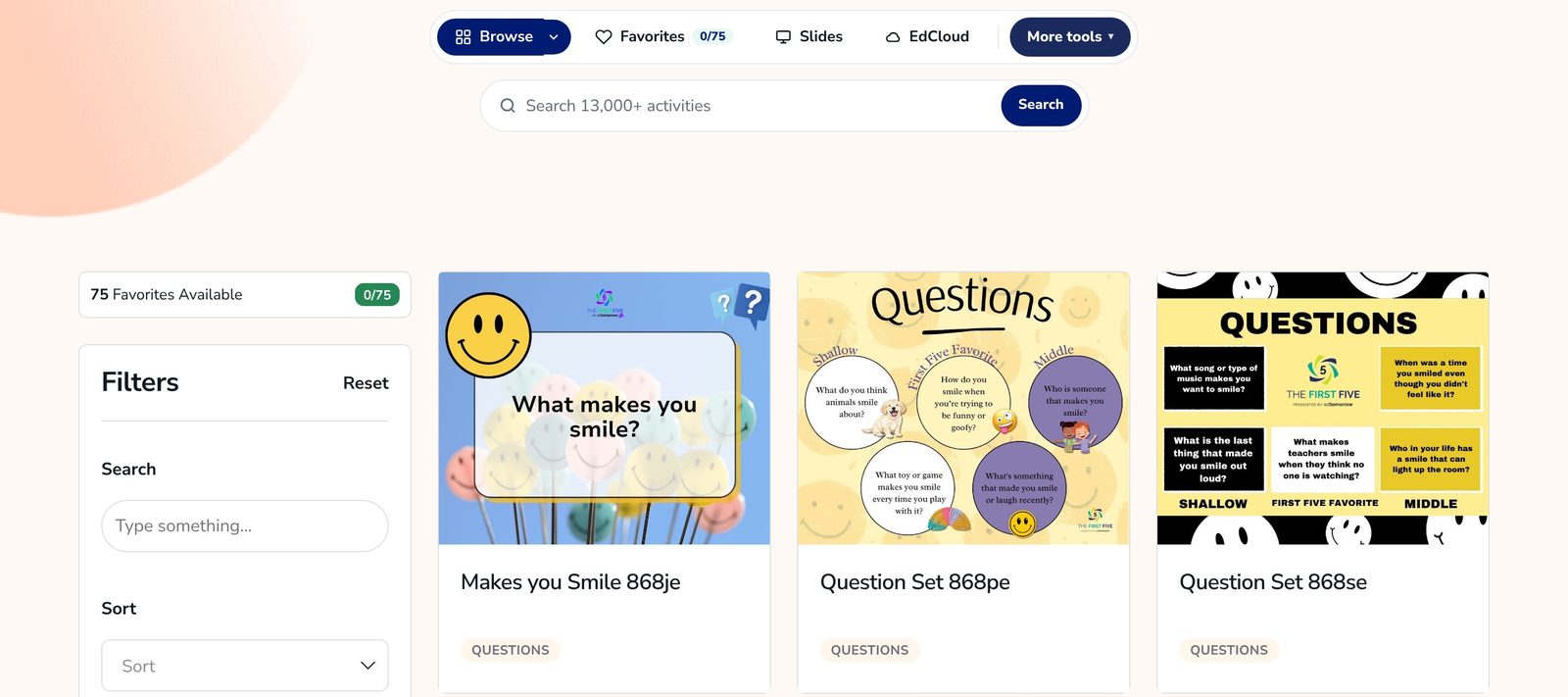
Searchable Database

Find the right First Five activity by grade, skill, component, or keyword. A free account includes three searches a day; Plus adds unlimited searches, favorites, and slides.

edtomorrow.com/firstfive-plus/all-content/

First Five Archives

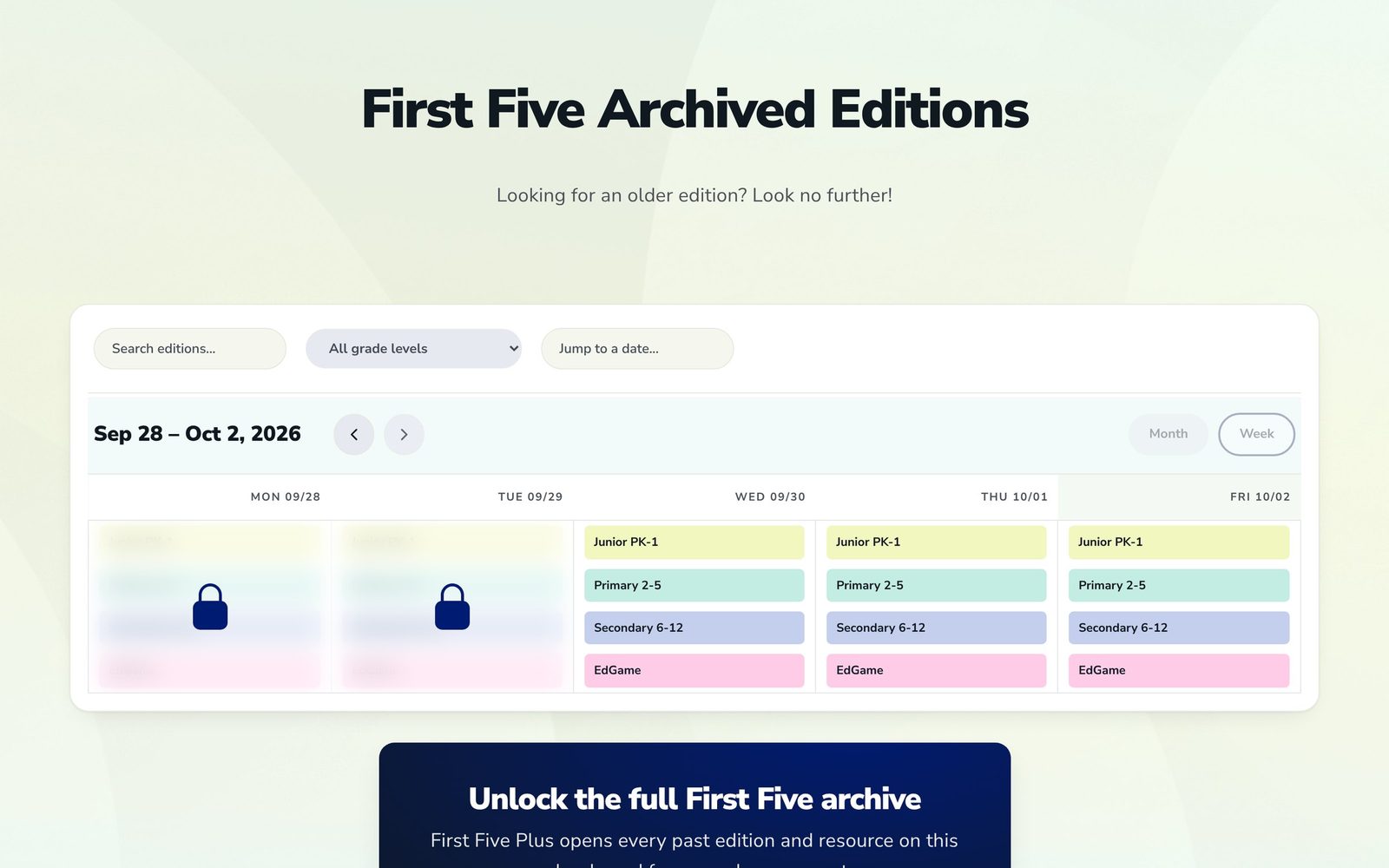
Revisit a favorite activity or catch up on a missed day. Browse editions by date and grade band. Recent editions are free; Plus opens the full archive.

edtomorrow.com/first-five-archive/

EdCloud Plus

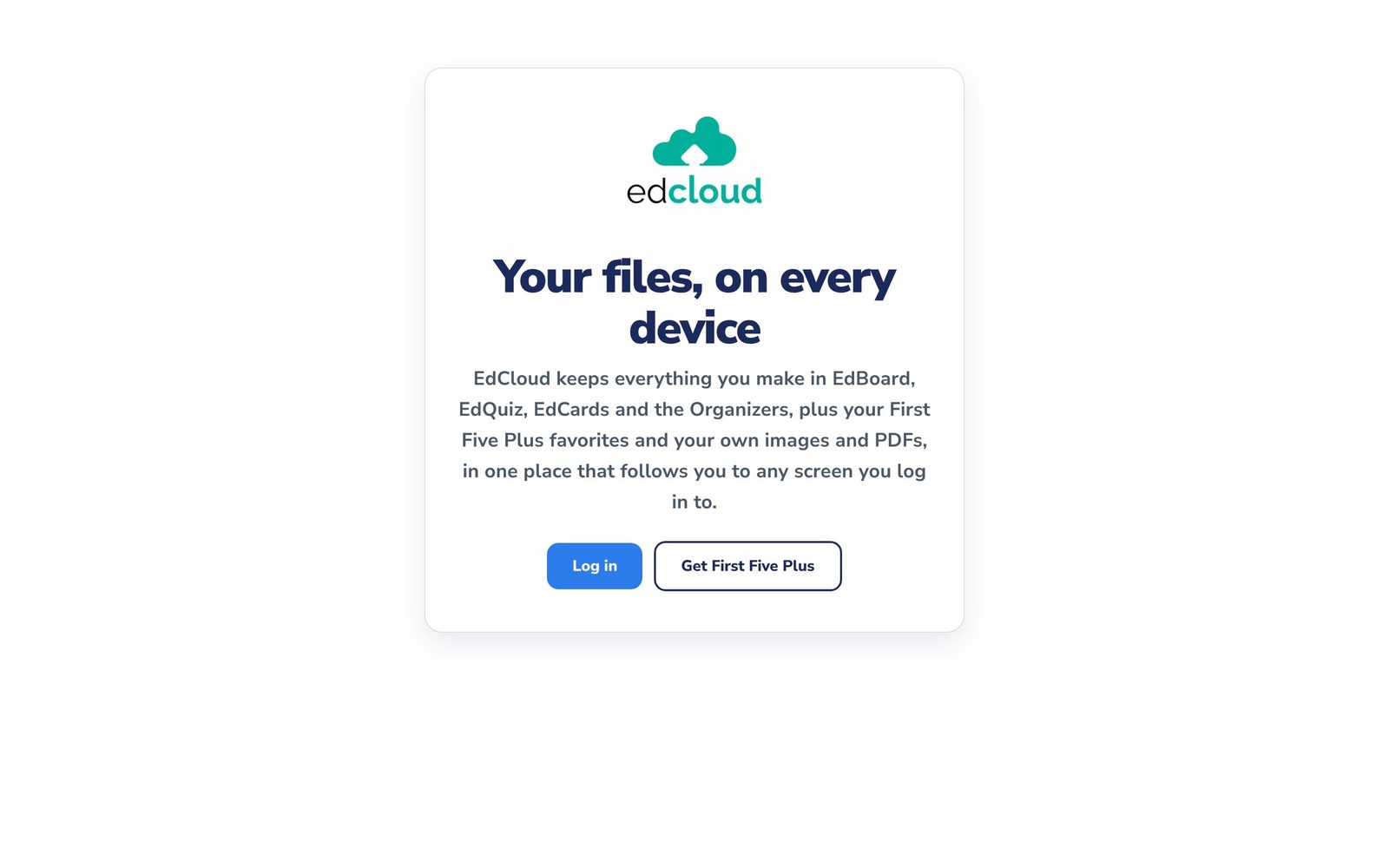
Keep saved boards, quizzes, card sets, games, lists, and First Five editions in one place. Sign in on another device to pick up where you left off.

edtomorrow.com/edcloud/
Free
Everything on this page is free to use. The First Five, every tool in it, and the printable creators cost nothing.
First Five Plus
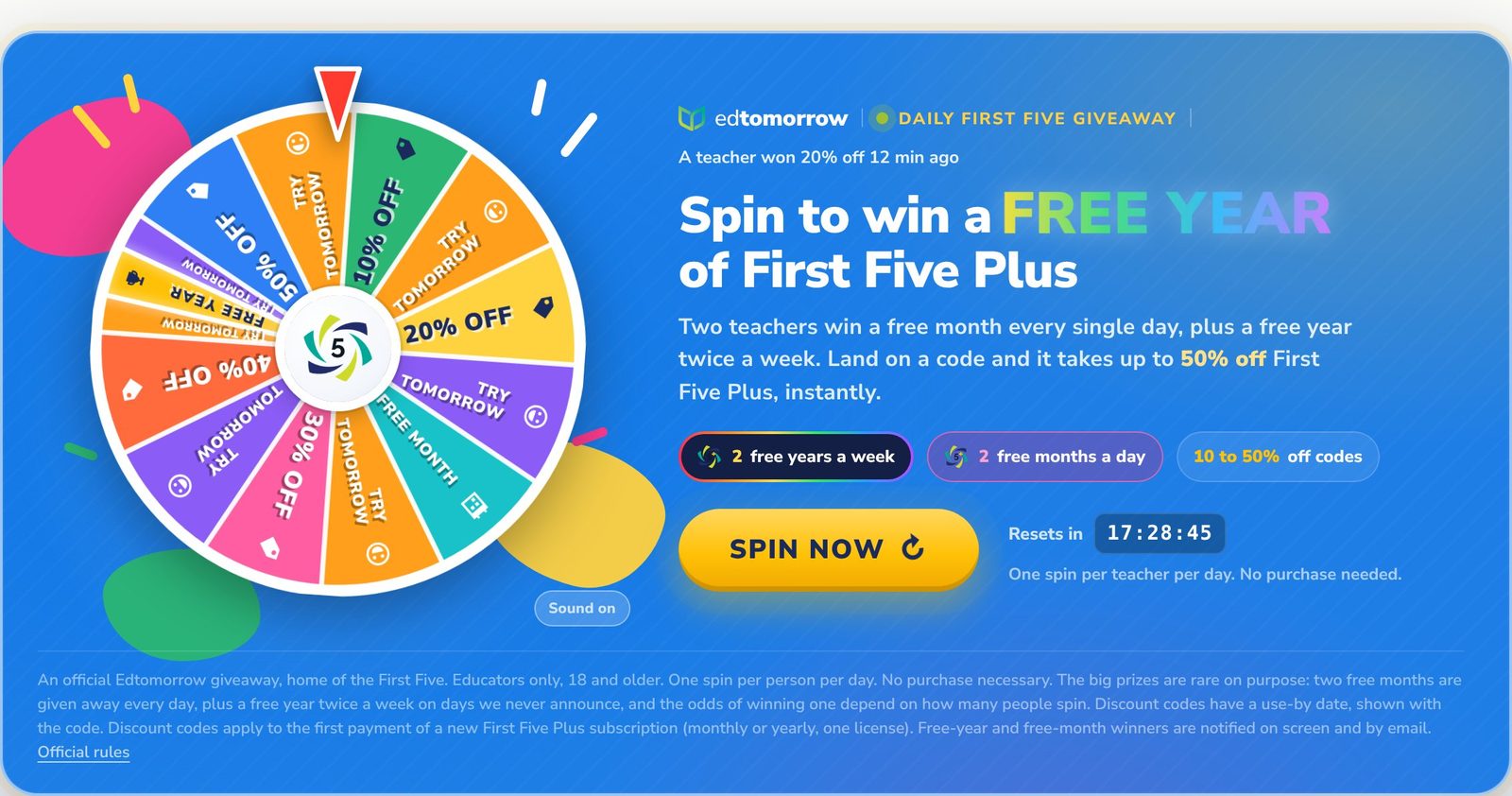
Turns off the ads and removes the limits. $2.99 a month or $24.99 a year, 3-day free trial. See plans
Want to go deeper?

The Field Guide

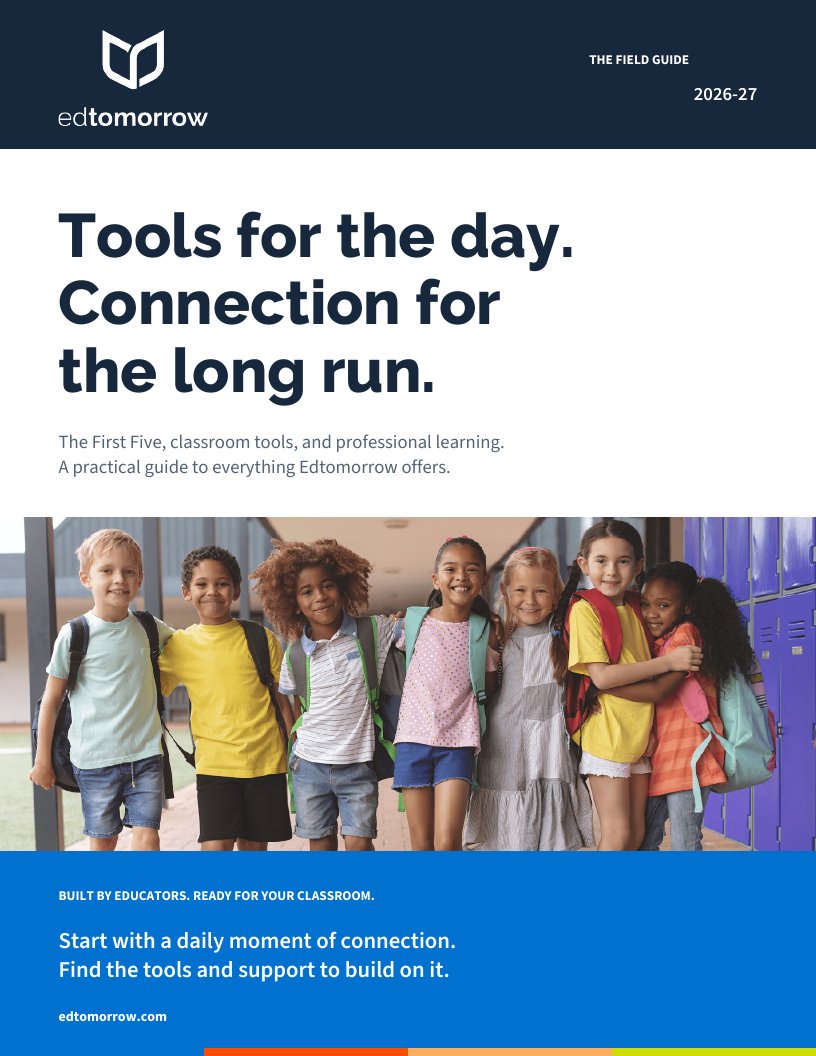
21 pages. The First Five, every classroom tool, Friday Five Live, the teacher community, and professional learning. Read it here, page by page, or take the PDF with you.

Download PDF Print
Want to share just the basics?

Teacher Tools, 16 pages

The First Five, EdBoard, EdQuiz, EdCards, EdGames, the creators, organizers, Friday Five Live, and where to keep it all. One page per tool, nothing else. Good for a new hire or a grade-level meeting.

First Five Timer
5:00
keep it under 5 min!