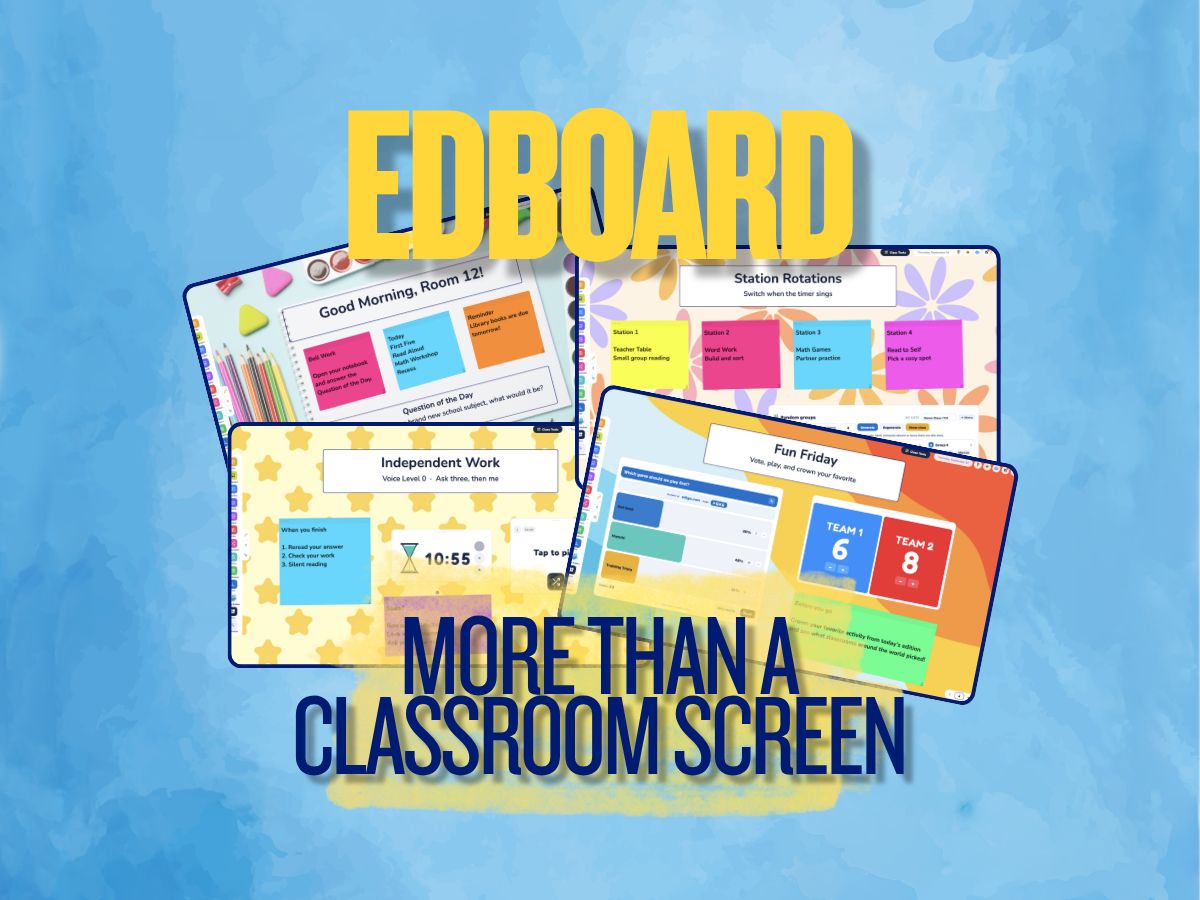
A timer. A random student picker. A place to put directions on the board.
Those things are useful. But we wanted EdBoard to go much further.
EdBoard is a free digital classroom board built to give teachers one place to turbocharge how they use the First Five, organize a lesson, display content, manage the room, and interact with students.
Open it in your browser, start building, and layer the tools you need around the content you’re already teaching.
And you don’t even need an account to get started.
Free EdBoard Actually Remembers Your Classroom
One of our favorite parts of EdBoard is what happens when you come back tomorrow.
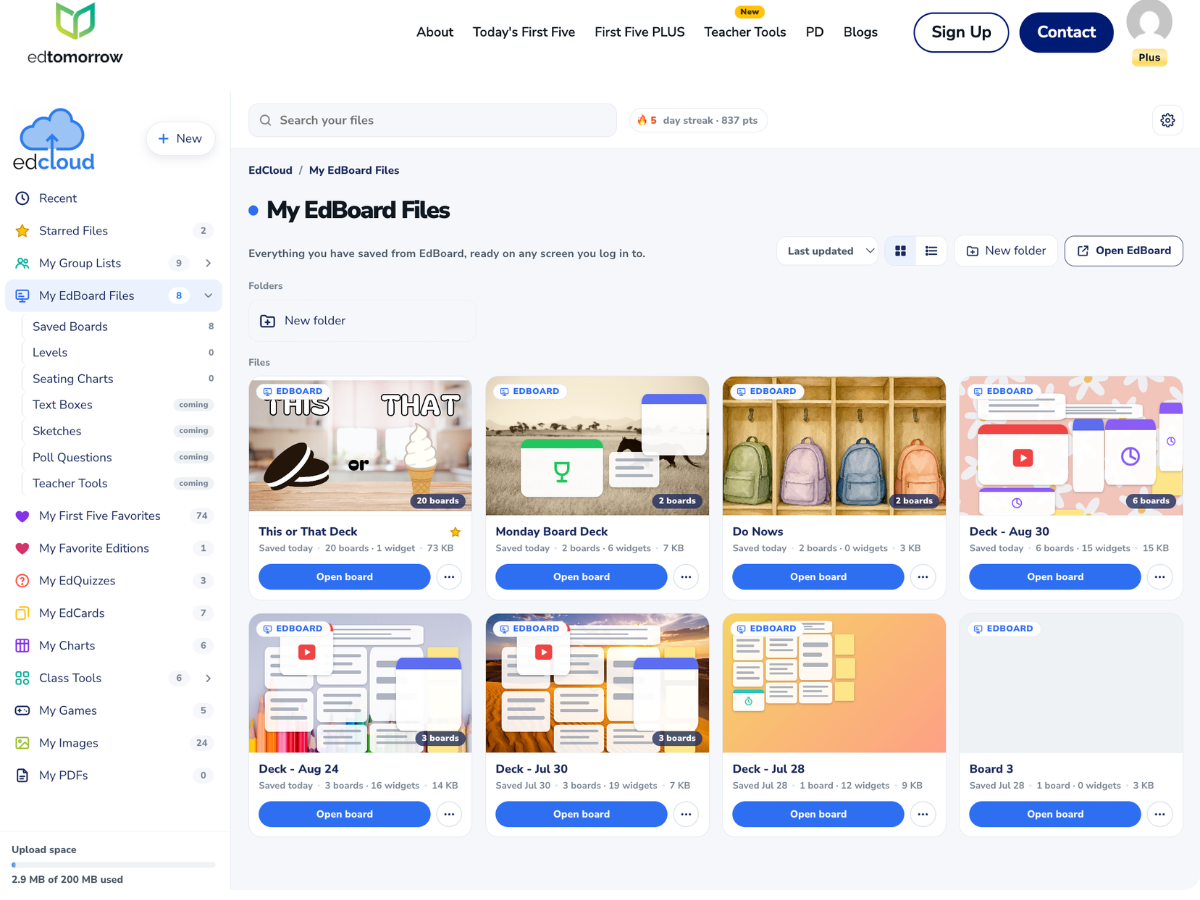
For free users, EdBoard automatically saves nearly everything you build inside the browser on that computer. Your boards, lists, groups, widget content, and setup can load again the next time you open EdBoard on that device.
In other words, you don’t have to rebuild your classroom display every morning.
Free users can keep two boards and move back and forth between them, along with two saved Group Builder lists.
There is one important distinction: those free saves stay with that browser and computer. They won’t follow you to another machine, and clearing the browser data that stores your EdBoard content can remove them.
That’s where First Five Plus and EdCloud come in.
EdBoard Free vs. First Five Plus
| EdBoard Free | EdBoard + First Five Plus | |
|---|---|---|
| Account needed to start | No | Sign in for cloud features |
| Core EdBoard tools | ✓ | ✓ |
| Automatic browser saving | ✓ | ✓ |
| Saved boards | 2 locally | Save boards in EdCloud |
| Group Builder | ✓ | ✓ |
| Saved group lists | 2 | Multiple class lists |
| Access saved work from another computer | ✓ | |
| Save full board setup | In that browser | ✓ EdCloud |
| Embed First Five | ✓ | |
| Edtomorrow website ads | Ad-supported | Ad-free |
| First Five archives | Limited | Full access |
| Searchable First Five database | Limited | 12,000+ First Five resources |
With First Five Plus, you can save your EdBoard files in EdCloud. That means your setup isn’t tied to one classroom computer. Sign in on another device and your saved boards can come with you.
Put Your Google Slides Inside EdBoard
This might be one of our favorite ways to use EdBoard.
Already have years of lessons built in Google Slides?
Keep them.
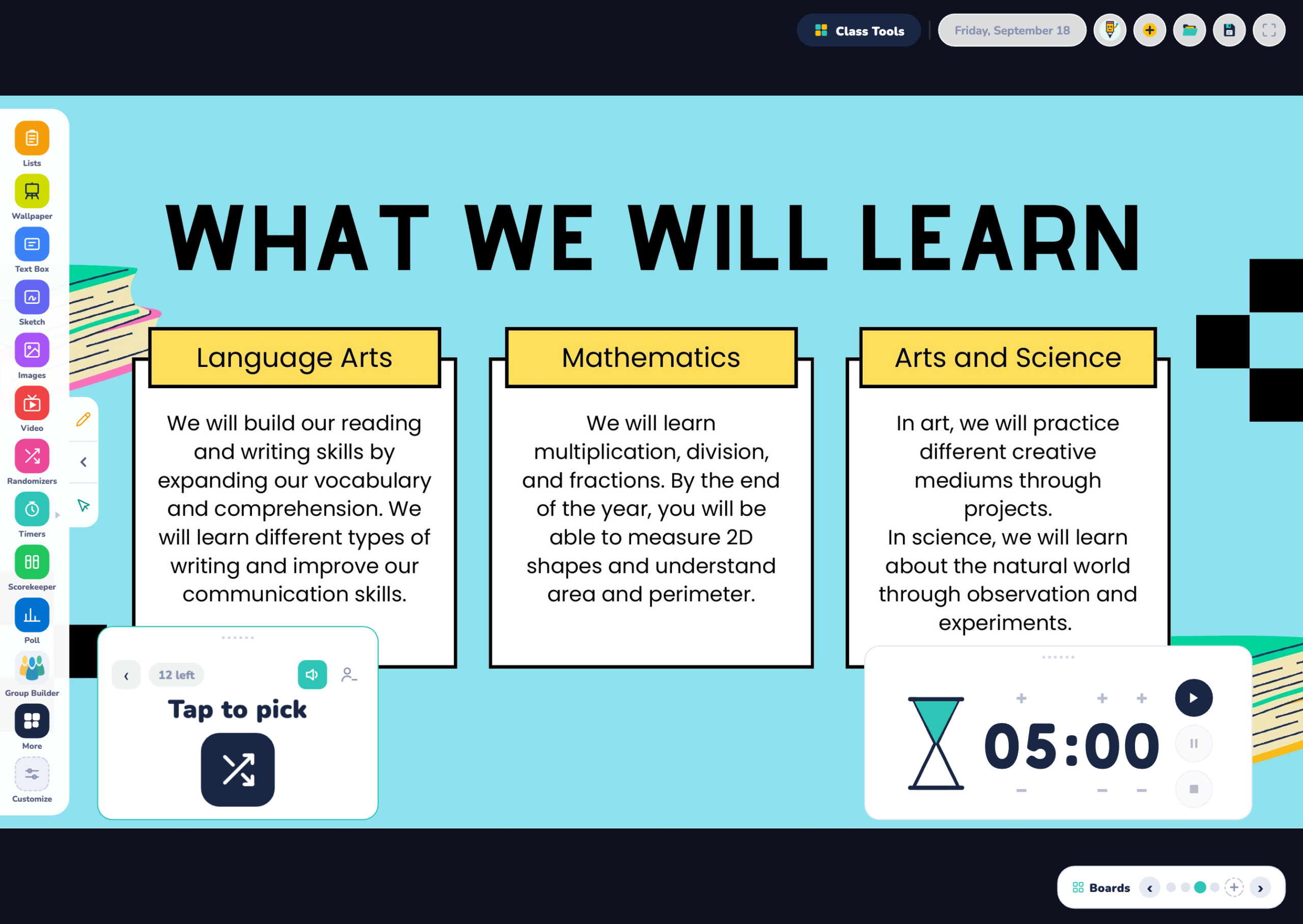
Download your Google Slides deck as a PDF and import it into EdBoard. Each slide becomes its own board, so you can move through your lesson while placing EdBoard widgets directly on top.
Picture your lesson slide in the middle of the board with:
- a Timer counting down independent work,
- a Randomizer ready to choose who shares,
- a classroom reminder off to the side,
- a YouTube video ready for the next part of the lesson,
- and an image or text box with additional directions.
You’re no longer choosing between your presentation and your classroom tools.
They’re working together on the same screen.
Teachers can also bring in PDFs, YouTube videos, images, text boxes, websites, and more. First Five Plus members can even embed First Five content directly into their EdBoard.
Build Groups Without the Shuffle
Need six random groups?
Groups of four?
Want certain students intentionally grouped together?
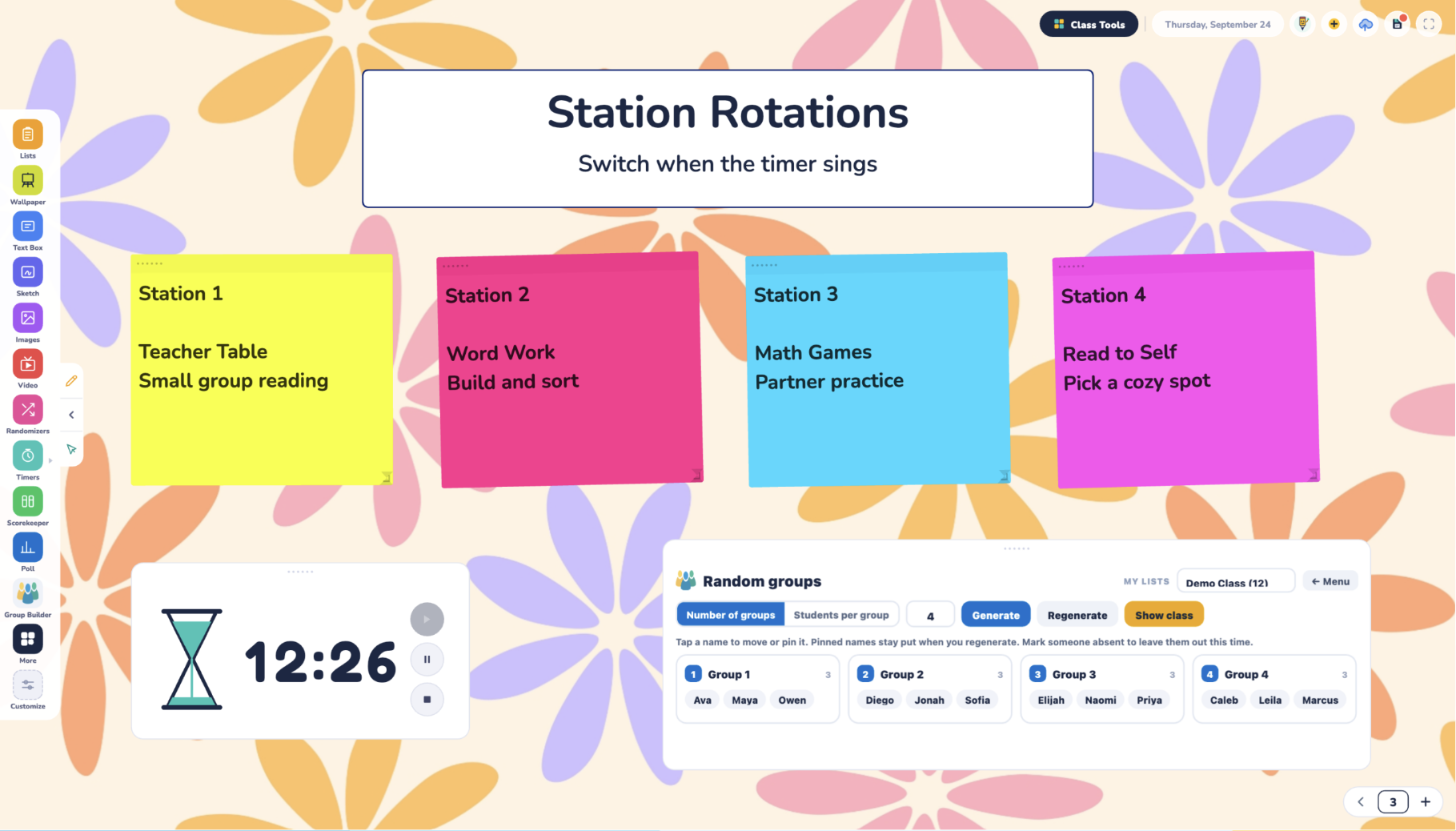
Open Group Builder, add your student list, and let EdBoard handle the rest.
You can randomly generate groups in seconds or build your own set groups that you want to use again.
Free users can maintain two Group Builder lists. Plus users can save multiple lists for different classes, making it much easier to move from one group of students to another throughout the day.
No more retyping the roster every period.
Poll Your Class in Real Time
EdBoard can also turn your classroom display into an interactive space where students respond.
Create a Multiple Choice, Yes/No, or True/False question and start your Poll.
Students simply enter the code shown on your screen at edtgo.com.
There are no student accounts or logins, responses are anonymous, and the results update live on your classroom display.
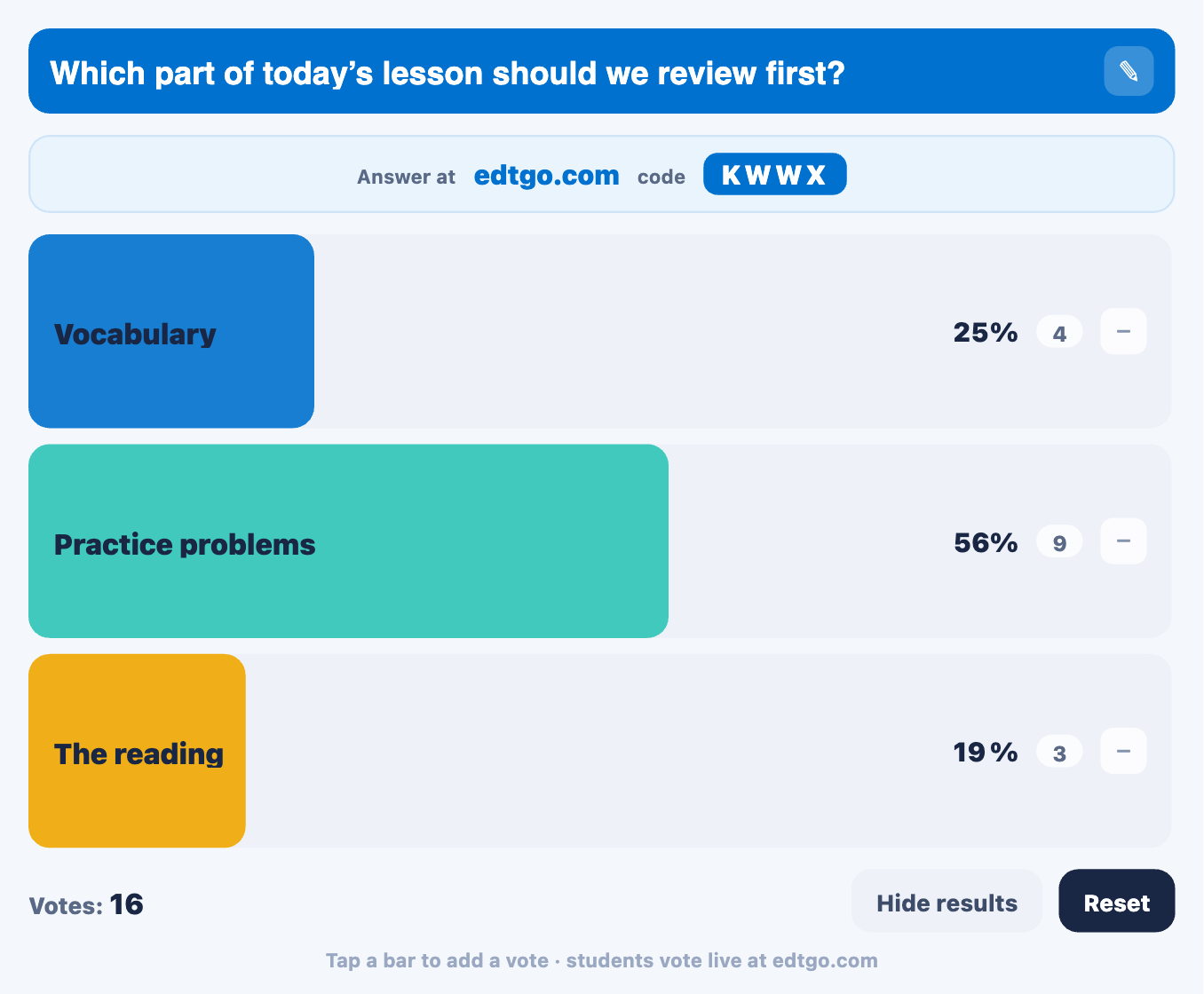
You can even add an image to a Poll with First Five Plus, giving students something visual to react to before answering.
And students don’t have to use devices at all.
Ask a question aloud, have students respond by raising their hands, and use EdBoard’s quick + / − Counter to track the results right on the board.
We’re also continuing to build Poll, including plans for even more response options.
Built for the Digital Board You Already Have
EdBoard runs right in the browser, so it isn’t tied to one specific classroom display.
Use it with a laptop and projector, put it on a SMART Board or Promethean-style interactive display, or use it on another digital board already in your classroom.
And on touch-enabled displays, you can walk right up and interact with EdBoard.
Move widgets. Start a timer. Spin a randomizer. Build groups. Change what’s on the screen.
You don’t have to keep walking back to your computer.
More Than a Classroom Screen
There are plenty of digital classroom display tools that give teachers things like timers, randomizers, text boxes, and other useful widgets.
We wanted EdBoard to go further.
A free teacher can open EdBoard without creating an account, build their classroom setup, and have that work automatically saved in their browser for the next time they return.
Then you can start layering in everything else.
Your First Five.
Your Google Slides.
Your videos and PDFs.
Your groups.
Your polls.
Your timers, randomizers, images, text, and classroom tools.
And with First Five Plus, your board becomes part of an even larger ecosystem, with EdCloud saving, full First Five archives, an ad-free experience, and a searchable database of more than 12,000 First Five resources created by our team of educators.
EdBoard isn’t just a classroom screen displayed to students.
It’s where your lesson content, classroom routines, student interactions, and teacher tools can work together.
And we’re still building.
Every new widget and every EdBoard update starts with the same question:
What would make this screen more useful to a teacher tomorrow morning?
Open EdBoard and start building →
EdBoard FAQ
Here are the Ask Eddy Questions of the Week!
Is EdBoard free for teachers?
Yes. Teachers can open EdBoard and use its core digital classroom board features for free without creating an account.
Does EdBoard save my classroom board?
Yes. Free users can have their EdBoard content automatically saved in the browser on their current computer. First Five Plus members can save boards to EdCloud and access their saved work from other computers after signing in.
Can I use Google Slides with EdBoard?
Yes. Teachers can download a Google Slides presentation as a PDF and import the deck into EdBoard. Each slide becomes its own board, allowing EdBoard widgets to be placed over the lesson content.
Does EdBoard work on SMART Boards and Promethean boards?
EdBoard is browser-based and designed to work on the digital displays teachers already use, including interactive boards, projectors, and standard computer screens.
Can students answer polls on EdBoard?
Yes. Students can enter the displayed code at edtgo.com without creating an account. Responses are anonymous, and results update on the classroom board in real time.
Can EdBoard make random student groups?
Yes. Group Builder can randomly organize a class list into groups, or teachers can create specific groups themselves and save those lists for future use.
-Edtomorrow Team
