There are those moments every teacher knows.
You finish the quiz with ten minutes left. Your class has worked hard all week and could use a reward. Or maybe it’s just Friday afternoon, and everyone needs a chance to laugh, compete, and have some fun together.
That’s why we built Friday Five Live.
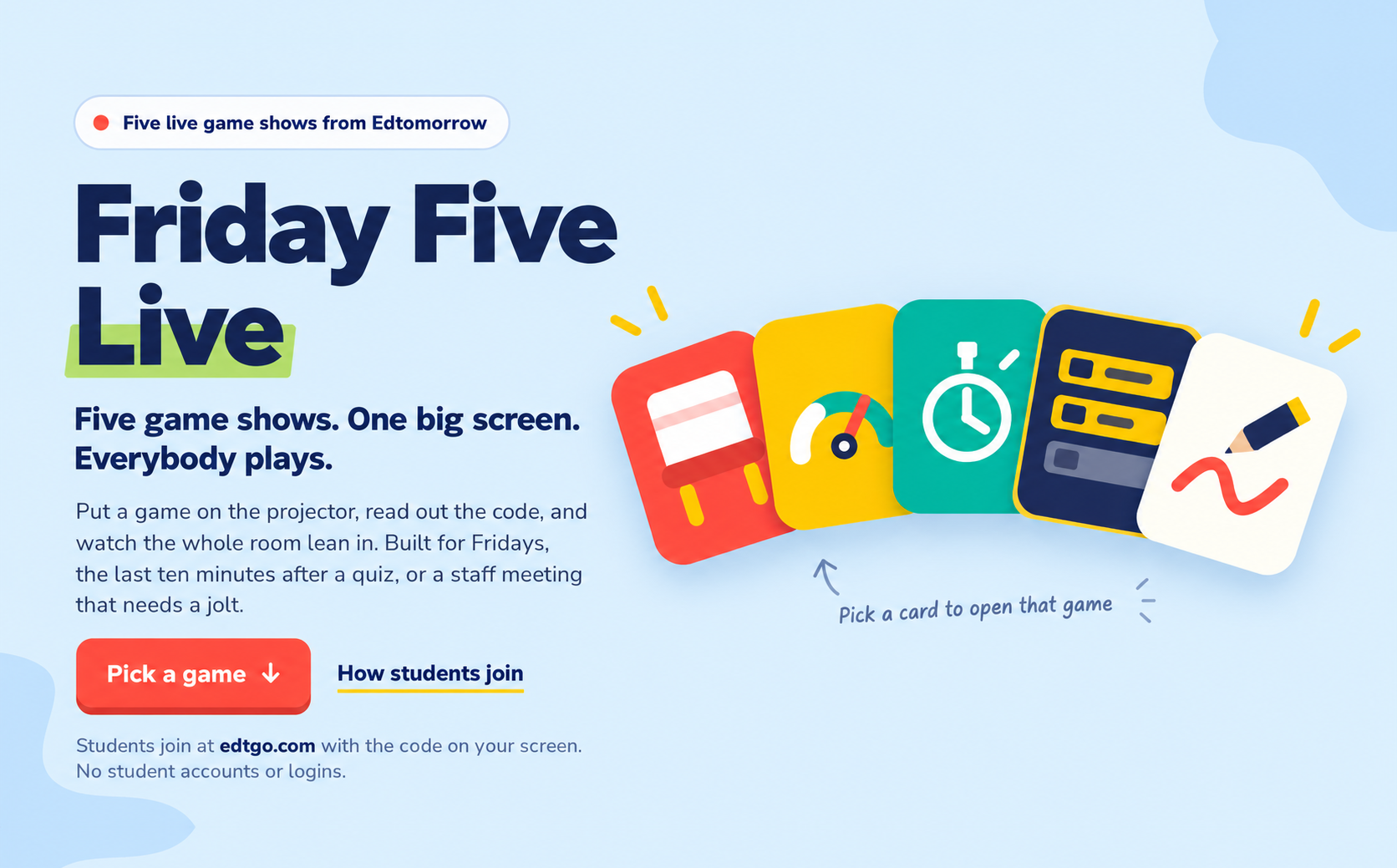
Friday Five Live brings together five live game shows built for whole-class interaction. Put the game on your smartboard or projector, give students the code, and they can join from their Chromebook, computer, or iPad at edtgo.com. No student accounts or logins are needed.
Pick Your Game
There are five completely different ways to play:
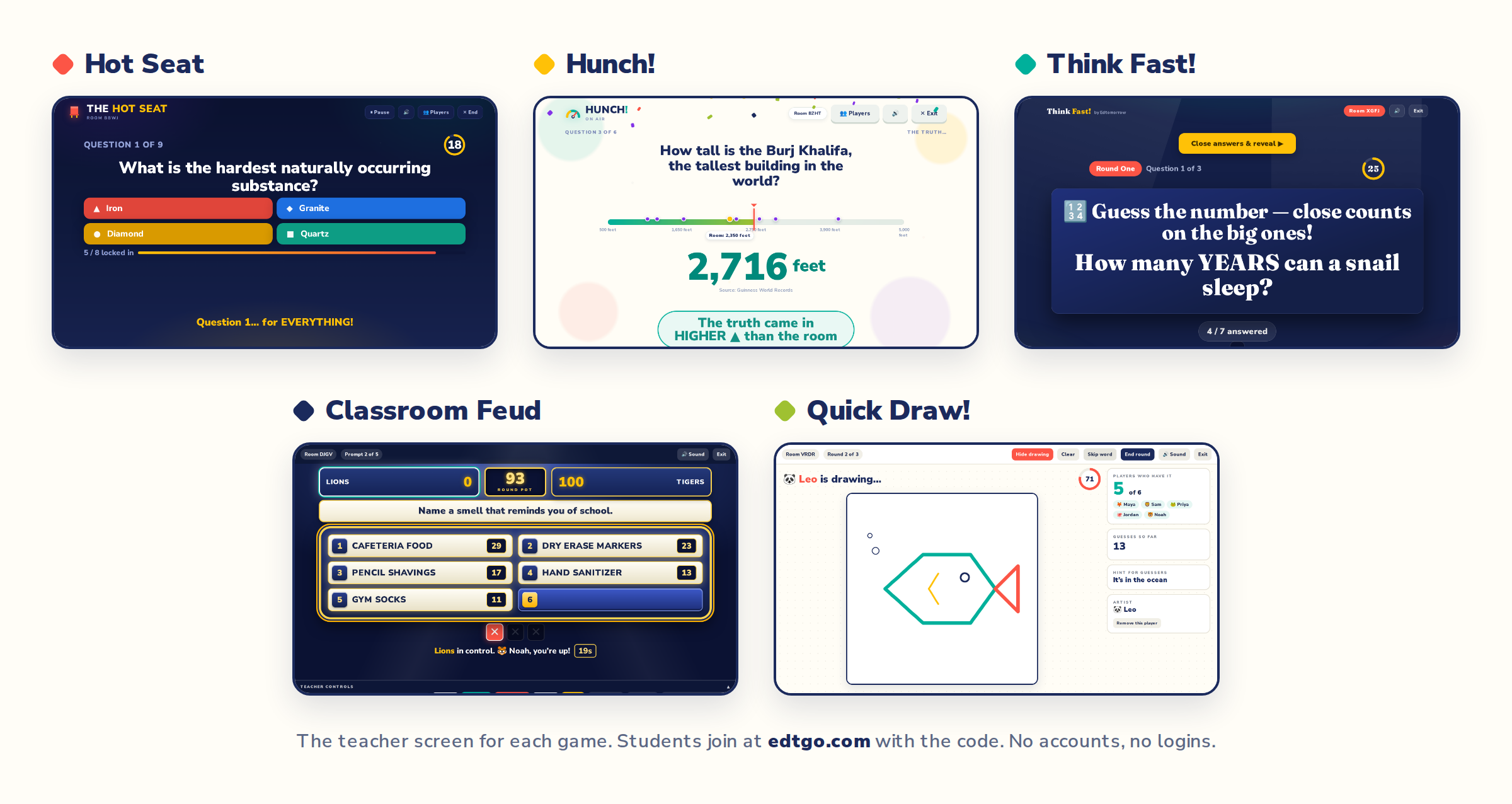
🔥 Hot Seat
Answer trivia, score points, and try to stay out of the Hot Seat. Even if you land in the Gallery, you keep playing, and everyone gets another shot in the finale.
🤔 Hunch!
You don’t need to know the exact answer. Students estimate real-world numbers, make their best guess, and find out who came closest when the answer is revealed.
⚡ Think Fast!
Fast-paced trivia where speed matters. Students can type the answer for full points or use the multiple-choice options when they need a little help.
👥 Classroom Feud
Split the room into two teams and see who can uncover the most popular answers. Use one of our ready-made question packs or survey your own class and play with their answers.
🎨 Quick Draw!
One student draws from their device while the picture appears live on the big screen. Everyone else races to figure out what they’re drawing before time runs out.
Pick one game for a quick Friday reward, use one after a quiz, or turn the whole thing into your own weekly tradition.
And yes, several of them work with grown-ups too. Friday Five Live can bring some much-needed energy to a staff meeting or PD session as well.
And Fridays Have Another Way to Win, Just for Teachers
Friday Five Live is for your class. Fun Friday Find is for you.
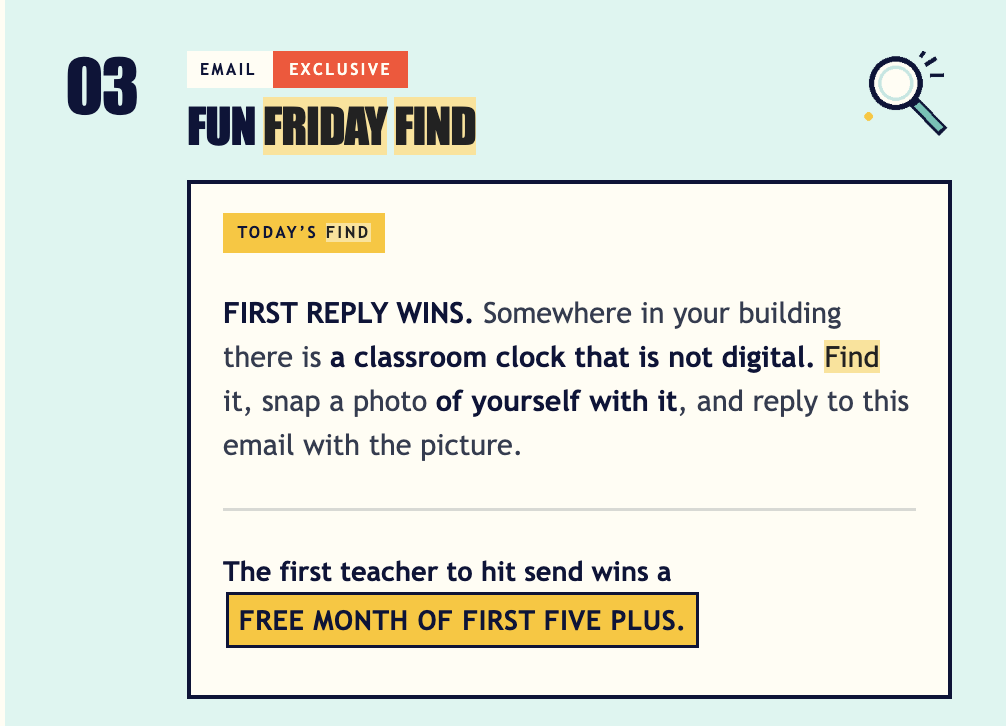
Every Friday, your First Five email includes a teacher-only Fun Friday Find. We’ll give you something to track down somewhere in your classroom or school. Find it, snap a real photo of yourself with it, and reply to the email. The first educator to hit send wins a free month of First Five Plus.
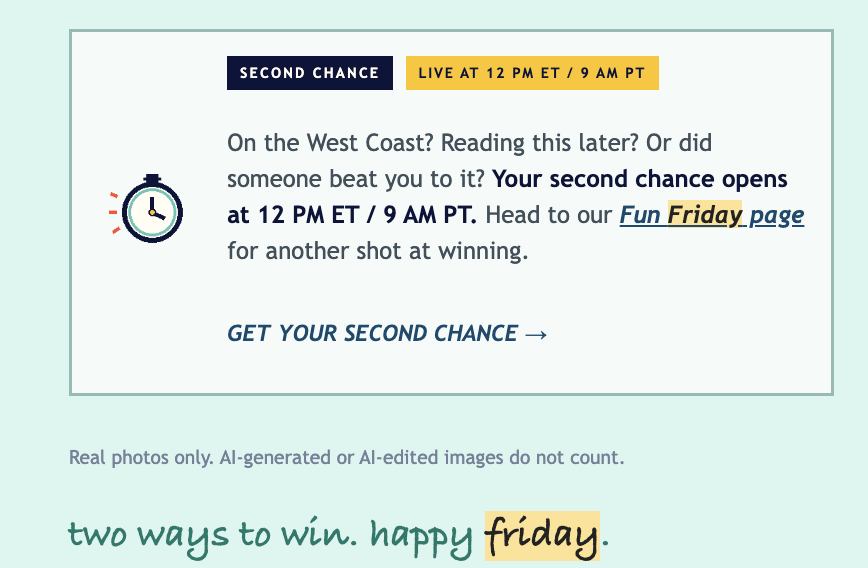
And if someone beats you to it, you still have another shot. A second-chance challenge opens at 12 PM ET / 9 AM PT on our Fun Friday Find page.
A little Friday fun for the students. A little Friday fun for the adults, too.
Ask Eddy Questions of the Week
Each week, our on-site helper, Eddy, gets tons of questions from educators looking for help finding resources, using our Teacher Tools, or coming up with new ways to make Edtomorrow content work in their classrooms. Each Thursday, we’ll share real questions that were asked to Eddy, along with the answers.
How do I get a teacher code for the game?
Tap Host a game at the top of the game page and it will generate a room code for you right there. Share that code with your students, and they join from their devices at edtgo.com by entering the code and a nickname. From there you can choose your game length and any optional settings before you start.
How do students enter their answers?
Students answer right on their own devices at edtgo.com once they have joined with the room code. No accounts or logins are needed, and the whole class follows along together on the big screen.
Can students join partway through a game?
Yes. Students can join a game already in progress using the room code on your screen, so a late arrival or a Chromebook that needed a restart does not have to sit out the rest of the round.
-Edtomorrow Team
